
Best Cut Videos Online Instantly: No Upload & 100% Private Tool
Why is video editing so frustrating? Most people don’t struggle because it’s “too technical.” They struggle because traditional online tools are slow, risky, and restrictive.
You record a 1GB video on your phone, and a typical "online cutter" makes you wait 10 minutes just to upload it. Worse, your private video is now sitting on someone else's server. In 2026, there is a better way to cut videos.
In this guide, we’ll show you how to trim and cut videos directly in your browser using Local-Side Processing—meaning no uploads, no privacy risks, and instant results.
Cut vs. Trim vs. Merge: What Do You Actually Need?
Before we dive in, let’s clear up the terminology that most tools get wrong.
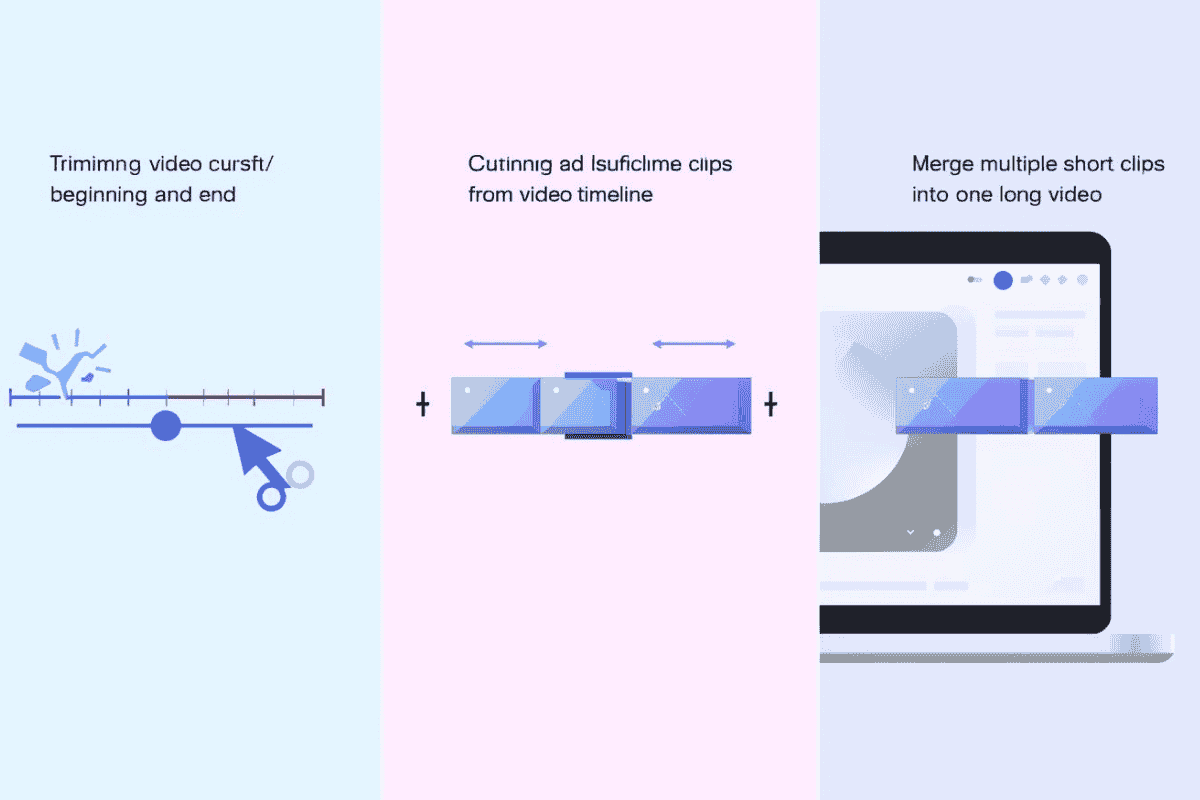
- Trimming: Removing the "messy edges" from the start or the end (e.g., walking to your chair).
- Cutting: Removing redundant sections from the middle (e.g., a dog barking or a 5-second awkward silence).
- Merging: Combining several short clips into one clean final version.
Do you need to be a pro? No. Whether you want to cut videos for TikTok or just clean up a clip for a friend, the goal is the same: delete what’s boring and keep what’s gold.
Why Most Online Video Cutters are Outdated in 2026
If you search for "how to cut a video online," most blogs recommend tools like Adobe Express or VEED. While powerful, they have three major flaws for everyday tasks:
- Privacy Risks: Your files are uploaded to their cloud.
- Upload Bottlenecks: A 4K video can take forever to upload on a standard connection.
- File Size Limits: Many free plans cap you at 100MB or 500MB.
EZTrimmer changes the game by using WebAssembly (WASM) technology. We process the video locally in your browser. Your video never leaves your computer.
How to Cut Videos Online (The Fast & Private Way)
Follow these steps to cut videos instantly without installing bulky software.
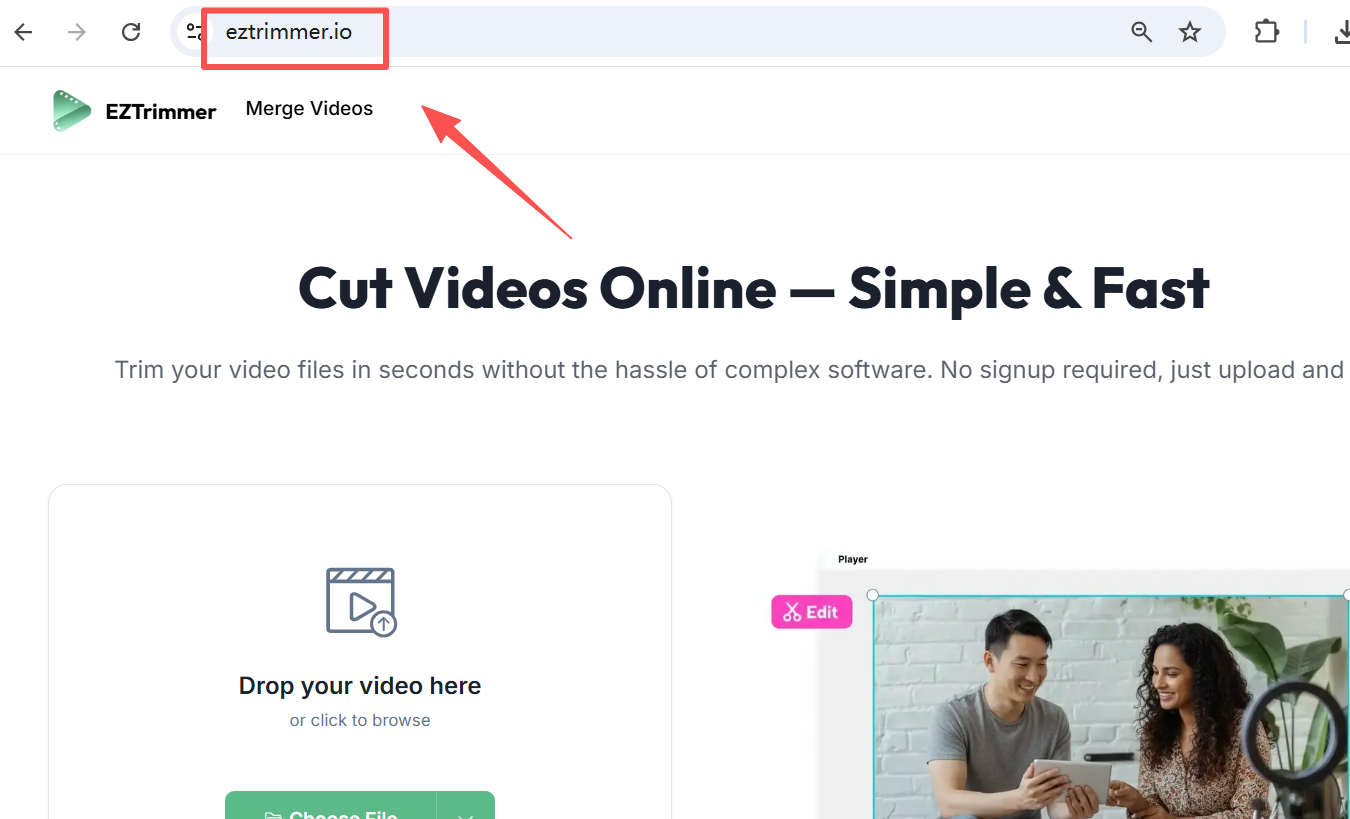
Step 1: Open EZTrimmer.io
Open eztrimmer.io in any modern browser (Chrome, Edge, Safari). No installation, no account creation.
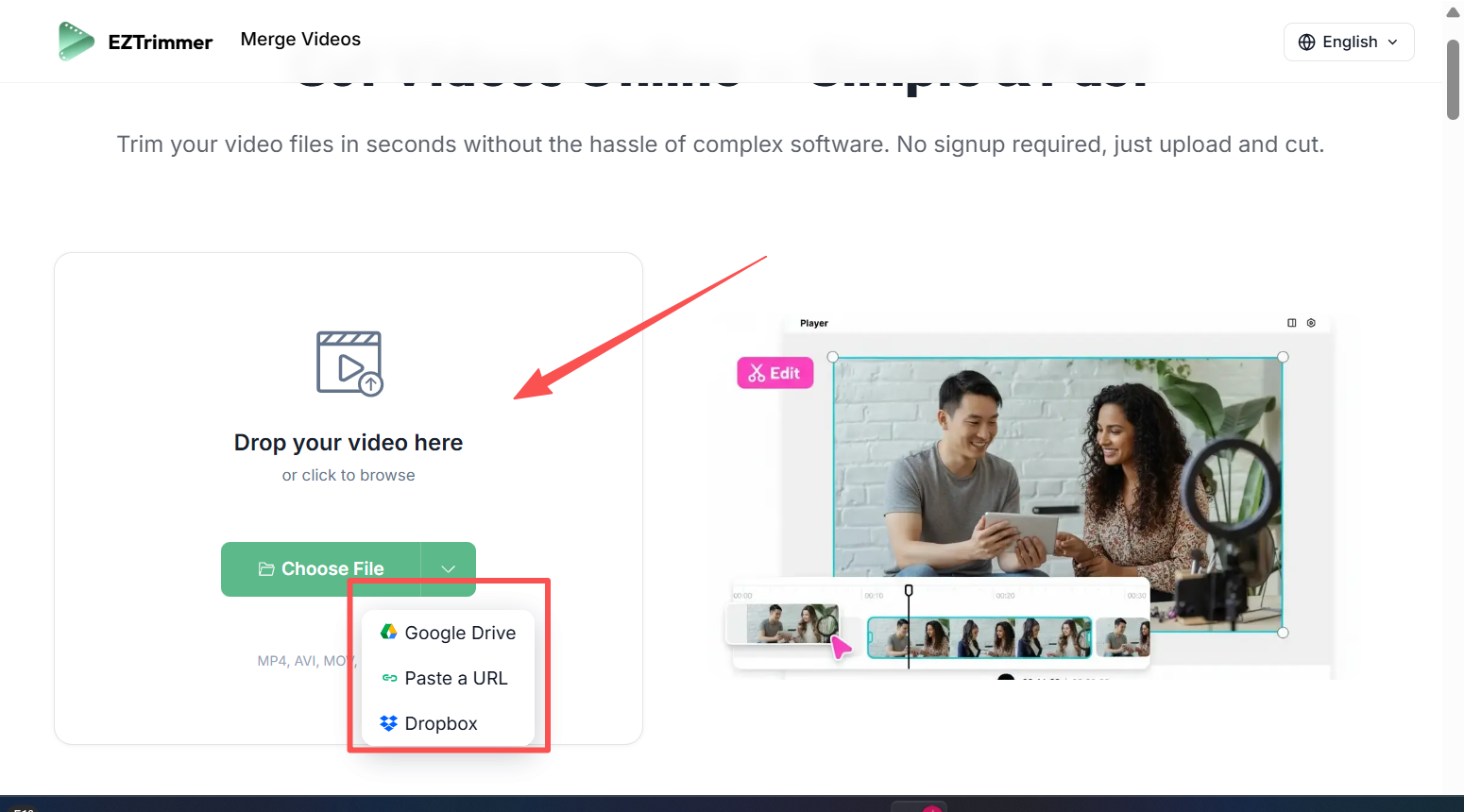
Step 2: Load Your Video (Instant Loading)
Click "Choose Video" or drag your file in. Because EZTrimmer works locally, even a 4GB video loads in seconds—not minutes.
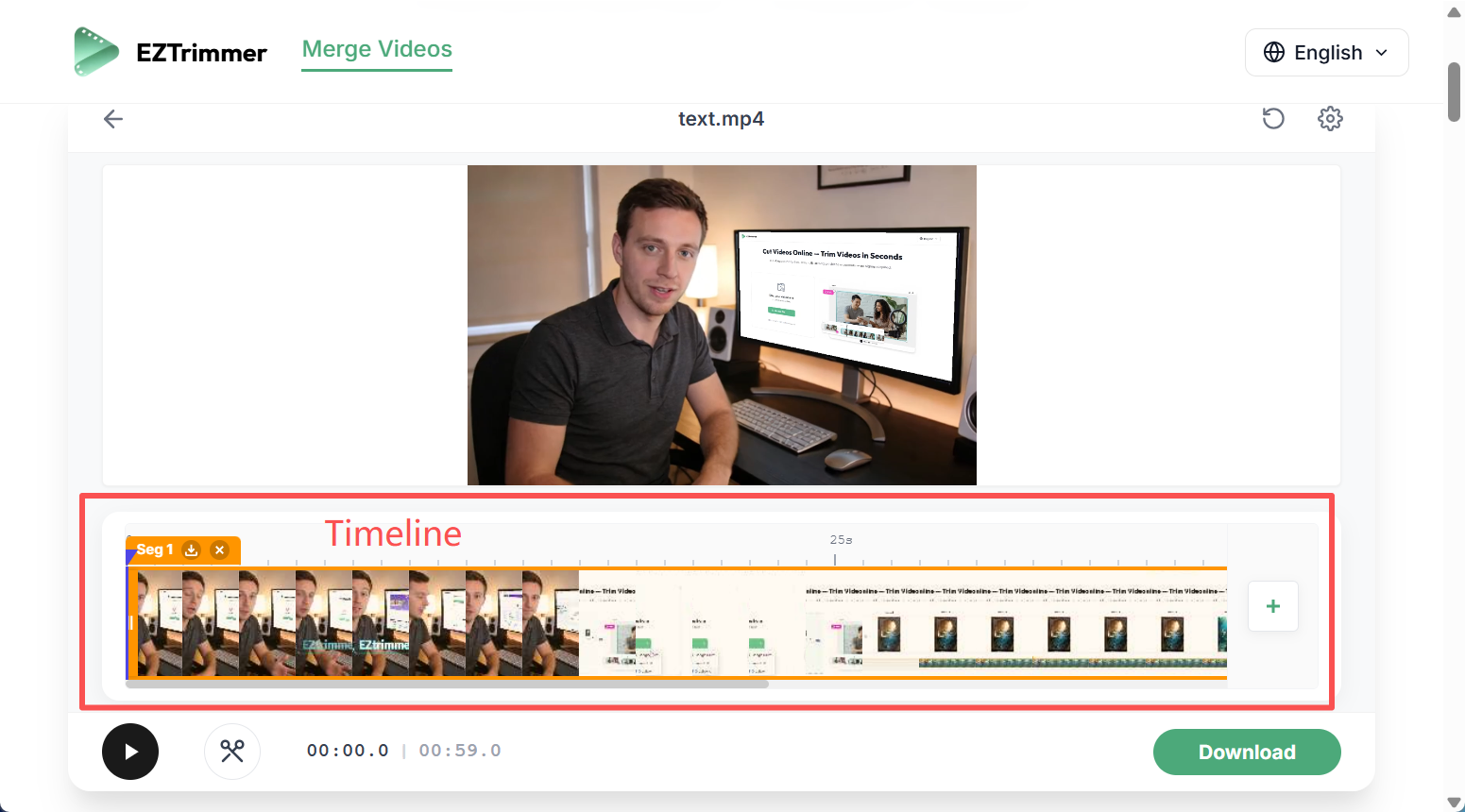
Step 3: Use the High-Precision Timeline
You’ll see a visual bar of your video. Unlike old-school tools, our timeline is frame-accurate.
- To Trim: Drag the start and end handles.
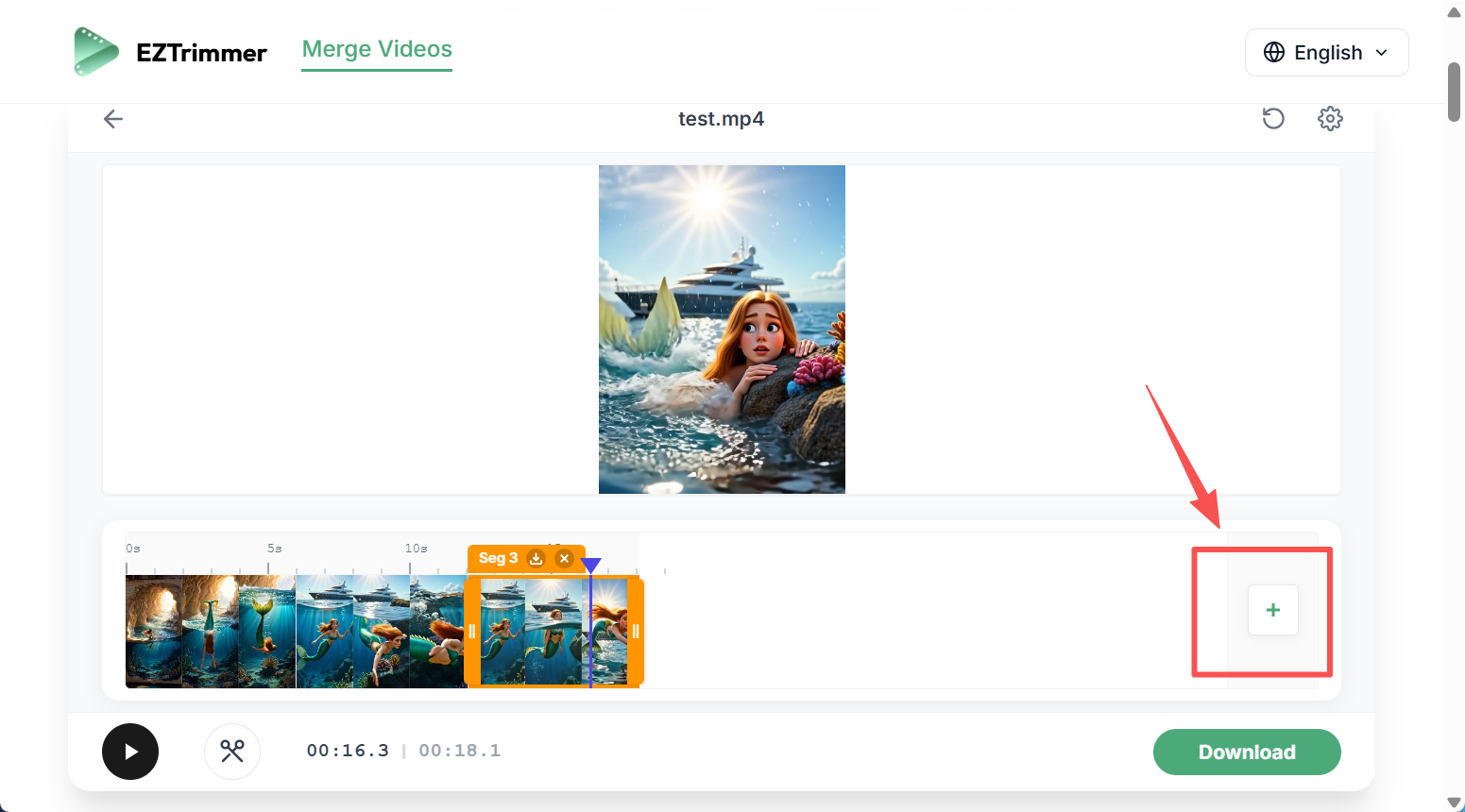
- To Cut the Middle: Move the playhead to the "bad part," click Split, move to the end of that part, and split again. Then, simply delete the middle chunk.
Step 4: Preview & Lossless Export
Hit play to ensure the transition is smooth. When satisfied, click Export. Since no server-side re-encoding is forced, the quality remains crisp.
Comparison: EZTrimmer vs. Cloud-Based Tools
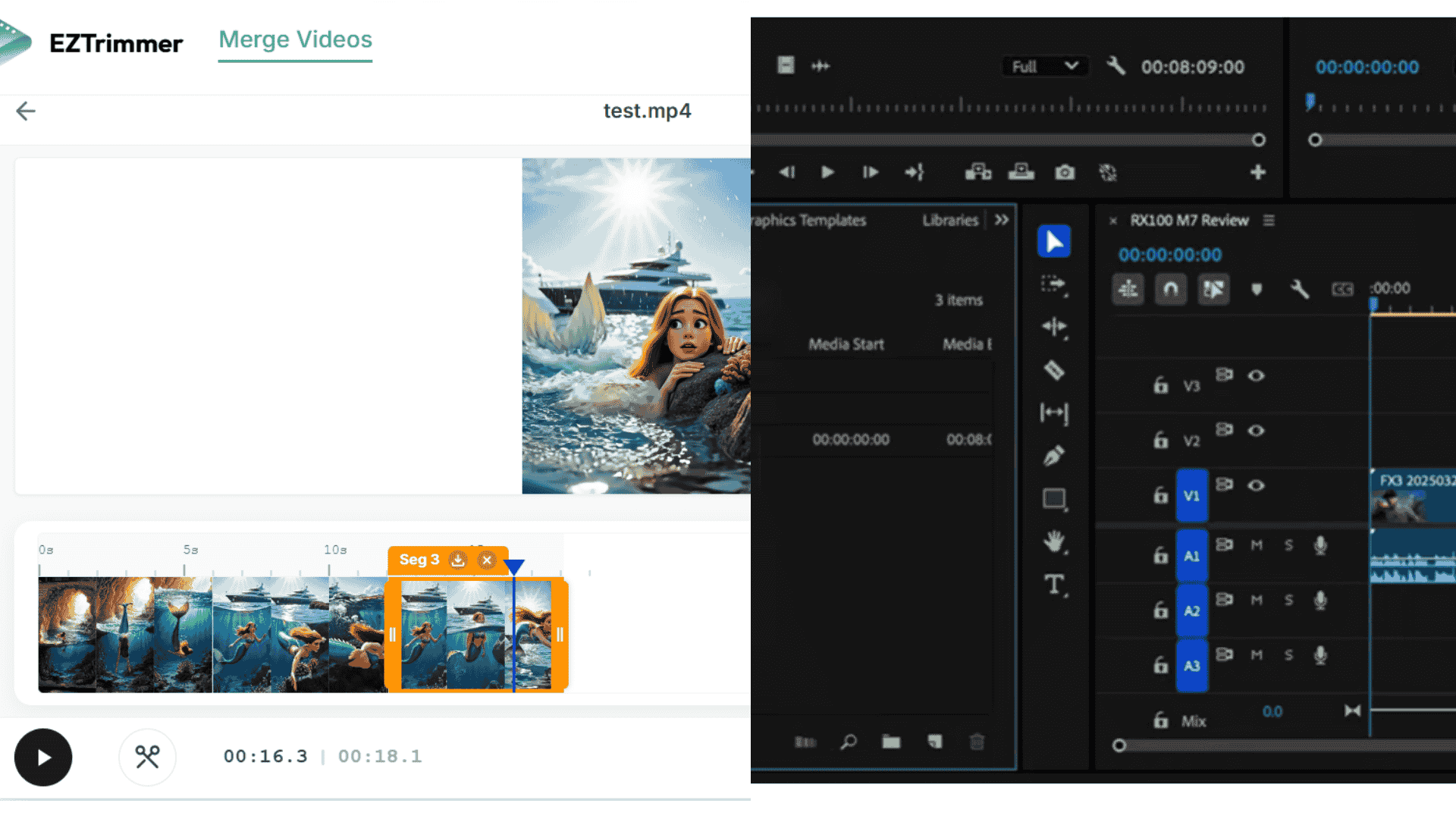
| Feature | EZTrimmer (Local-First) | Traditional Online Tools |
|---|---|---|
| Data Privacy | 100% Safe (Local) | Risky (Uploaded to Cloud) |
| Processing Speed | Instant (Zero Upload) | Slow (Depends on Internet) |
| Max File Size | Up to 4GB | Usually 100MB - 500MB |
| Cost | Free / No Account | Often Hidden Behind Signups |
Best Practices for Social Media Creators
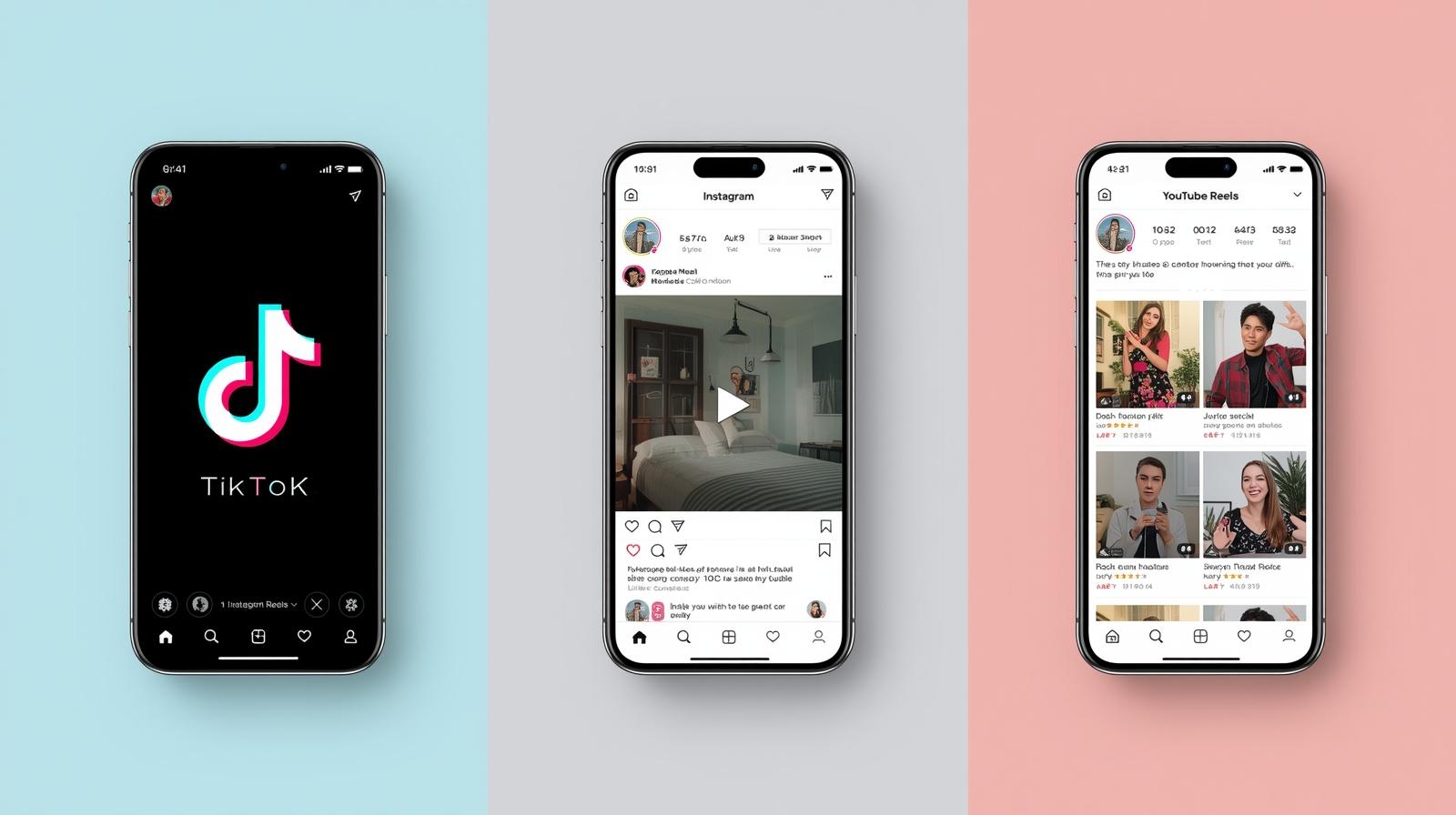
When you cut videos for platforms like TikTok, Reels, or YouTube Shorts, remember these "2026 Engagement Rules":
- The 3-Second Rule: Cut your intro to under 3 seconds. Jump straight into the action.
- Remove "Dead Air": Use the "Split" tool to remove every single "uhm" or long pause. It keeps the energy high.
- Format Check: EZTrimmer supports MP4, MKV, MOV, and more, ensuring your phone’s original quality is preserved.
Frequently Asked Questions (FAQ)
Q: Does cutting a video lower the quality? A: Not with EZTrimmer. We use local browser processing to ensure your export settings match your source file's quality.
Q: Can I cut videos for free without a watermark? A: Yes. EZTrimmer allows you to cut videos and download them without annoying digital watermarks.
Q: What is the maximum file size I can cut? A: While most cloud tools stop at 500MB, EZTrimmer can handle videos up to 4GB because it processes them on your hardware, not our servers.
Final Thoughts
To cut videos in 2026 shouldn't feel like a chore. You don't need a $2,000 PC or a $50/month subscription. You just need a tool that respects your time and your privacy.
Ready to clean up your clips? Start cutting your videos now on EZTrimmer.io.