Cut Videos Online — Simple & Fast
Cut videos online for free — trim, split and export in seconds. No signup required.
or click to browse
MP4, AVI, MOV, MKV, WebM
Trusted by Creators to Cut Videos Online
Helping creators and professionals cut videos faster.
How to Cut Videos Online: Demo
Watch how easy it is to cut videos online:
Everything You Need to Cut Videos Online
Professional tools to cut videos and trim clips instantly in your browser.
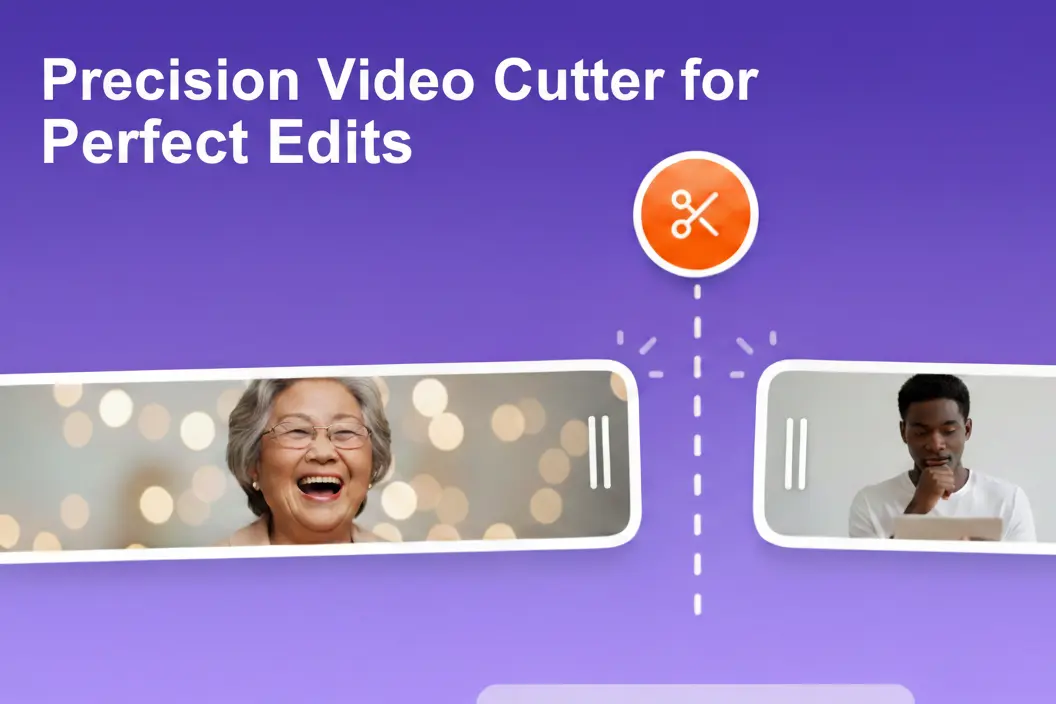
Cut Videos with High Precision
Get exactly the frames you need with our intuitive timeline. Use EZTrimmer to cut videos precisely, removing unwanted sections for a clean, professional finish.

Cut Video Files for Social Media
Don't let the wrong length slow you down. Use our tool to cut video files for TikTok, YouTube Shorts, or Instagram Reels while keeping the quality high.

The Simplest Way to Cut Videos
Forget about heavy software. Our online tool lets you cut videos, trim clips, and export in minutes. Ideal for creators who want to cut videos fast.
How to Cut Videos in 3 Simple Steps
Follow this quick guide to cut videos and trim files in seconds.
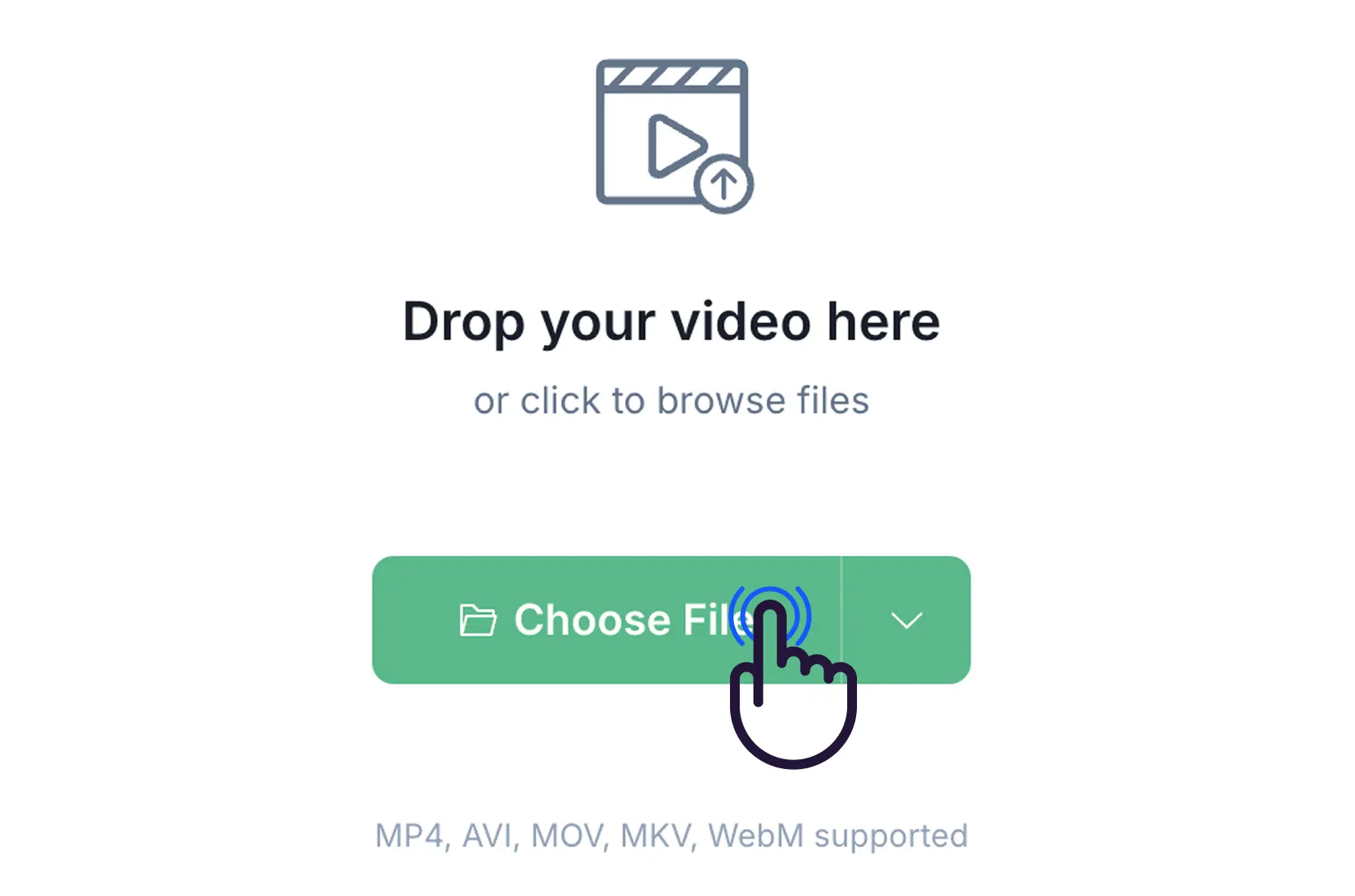
Step 1: Upload Your Video
Select the video you want to cut. We support most formats including MP4, AVI, MOV, MKV, and WebM.
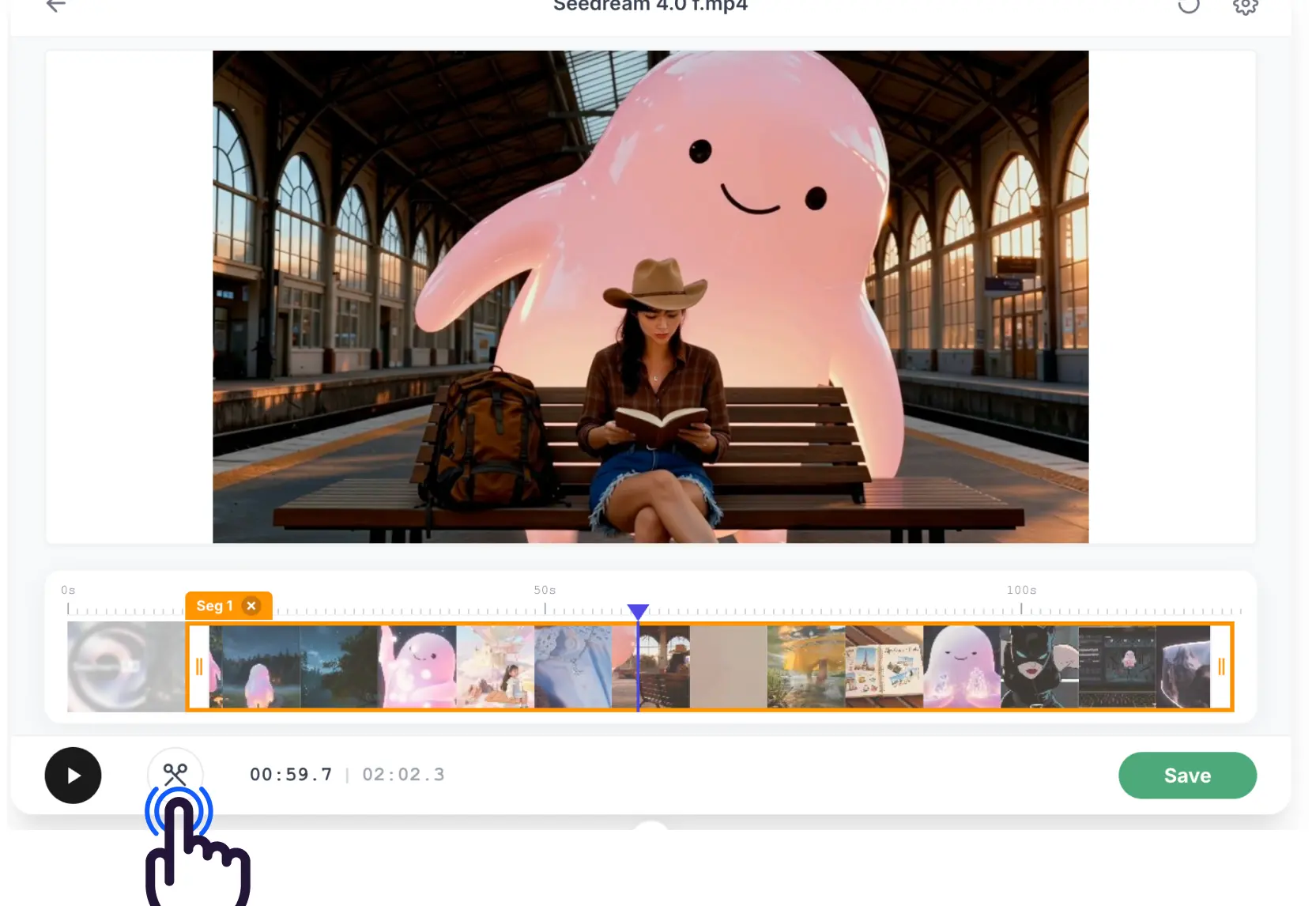
Step 2: Choose Your Range
Drag the handles on the timeline to pick exactly what you want to keep. It's fast and precise.
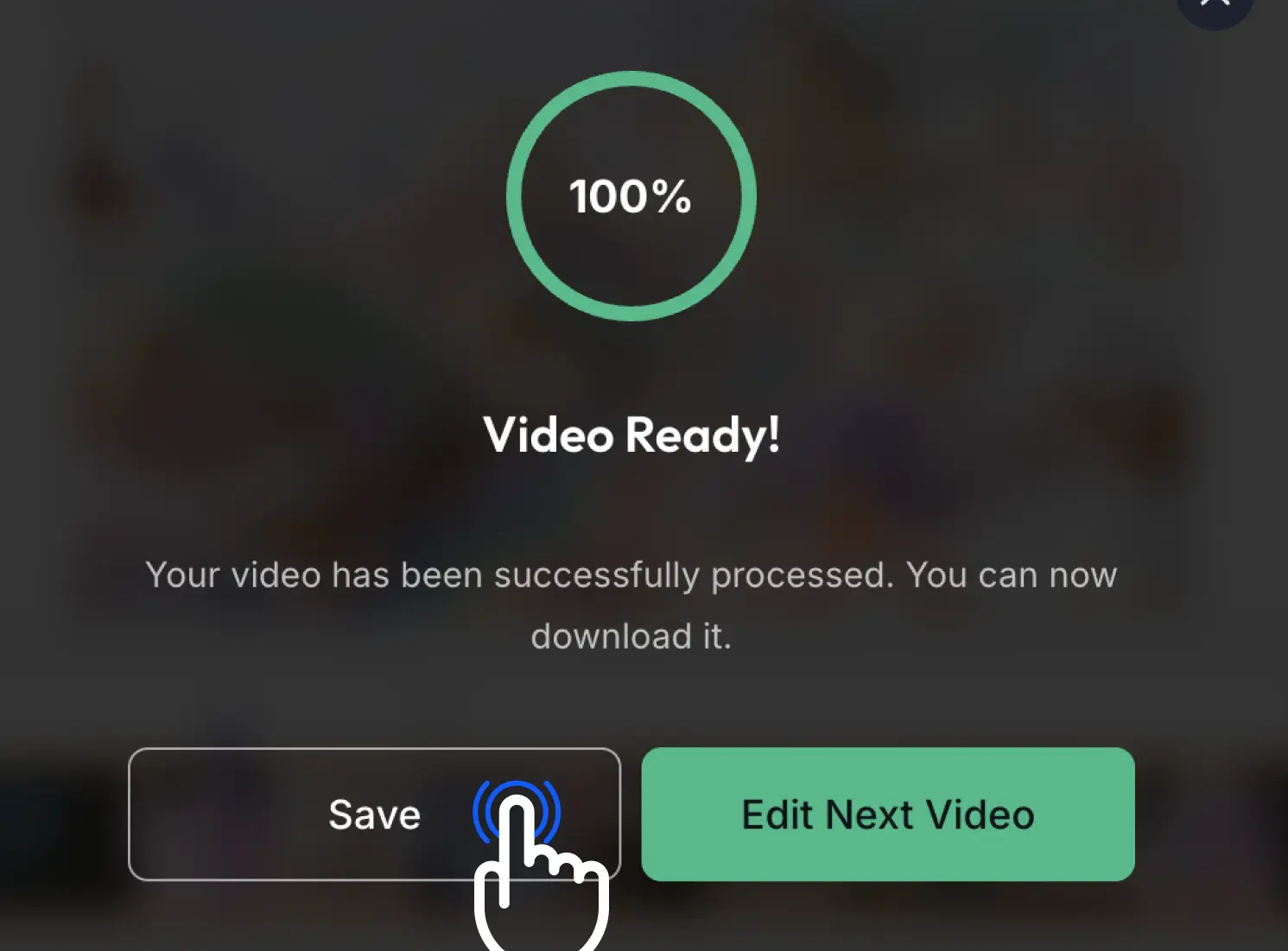
Step 3: Download & Share
Once it's processed, download your cut video. The quality stays the same, and it's ready to go.
Loved by Creators for Quick Video Trimming
A trusted tool for quick video edits and professional trimming
EZTrimmer is the fastest way to cut videos for our campaigns. We can cut footage for different platforms in seconds without any quality loss.

I've tried many tools, but this is the simplest page I've found to cut videos quickly. It makes cutting video clips so easy.

I used to open heavy software just to cut a meeting recording. Now I can just cut, download, and share in one spot.

EZTrimmer saves me so much time. Removing unwanted segments is instant, and the interface is very clean.

Our team uses this to cut videos for all our social content. It's the best free solution we've found to cut videos on the fly.

Why Use EZTrimmer to Cut Videos Online
Fast video editing tools right in your browser
⚡ Fast Processing
Cut videos in seconds with our optimized engine
🎯 High Quality
Keep the original resolution and quality when you cut videos
🔒 Secure & Private
Your videos are processed securely and deleted automatically when finished
📁 Major Formats
Supports MP4, AVI, MOV, MKV, WebM, and many others
💎 100% Free
No watermarks or hidden costs. Professional tools for everyone
✨ Easy to Use
Simple drag and drop interface. Cut your video in just a few clicks
Ready to cut your video?
Join thousands of creators who use EZTrimmer to cut videos fast
Our Recent Blogs
Master the art of video editing with our expert guides and simplified tools.

Common Questions About Cutting Videos Online
Everything you need to know about our video cutting tool
Is EZTrimmer really free?
Yes, it's 100% free with no hidden fees or ads. You can cut as many videos as you need without watermarks.
Which video formats can I use?
We support all major formats like MP4, AVI, MOV, MKV, and WebM. You can also export to any of these formats.
How secure is my data?
Very. Your videos are processed securely and deleted automatically from our servers. We don't store or share your content.
What is the file size limit?
You can upload files up to 500MB and 30 minutes long. For anything larger, we suggest trimming it in smaller parts.
Do I need an account to start?
No signup required. Just upload your video, make your cuts, and you're good to go.