Merge Videos Online — Combine Clips in Seconds
Join multiple video clips into one seamless file. Just upload your videos, arrange them on the timeline, and download — no account needed.
or click to browse
MP4, AVI, MOV, MKV, WebM
Video merger used by teams worldwide
Helping creators and professionals combine their video content effortlessly.
Watch How to Merge Videos Online
Watch this quick demo to see how easy it is to combine multiple videos:
Professional Tools to Merge Videos
Everything you need to create a seamless video from your clips

Merge Videos for Seamless Storytelling
Turn separate clips into a smooth narrative. Our tool makes it easy to snap videos together, perfect for storytelling and presentation videos.
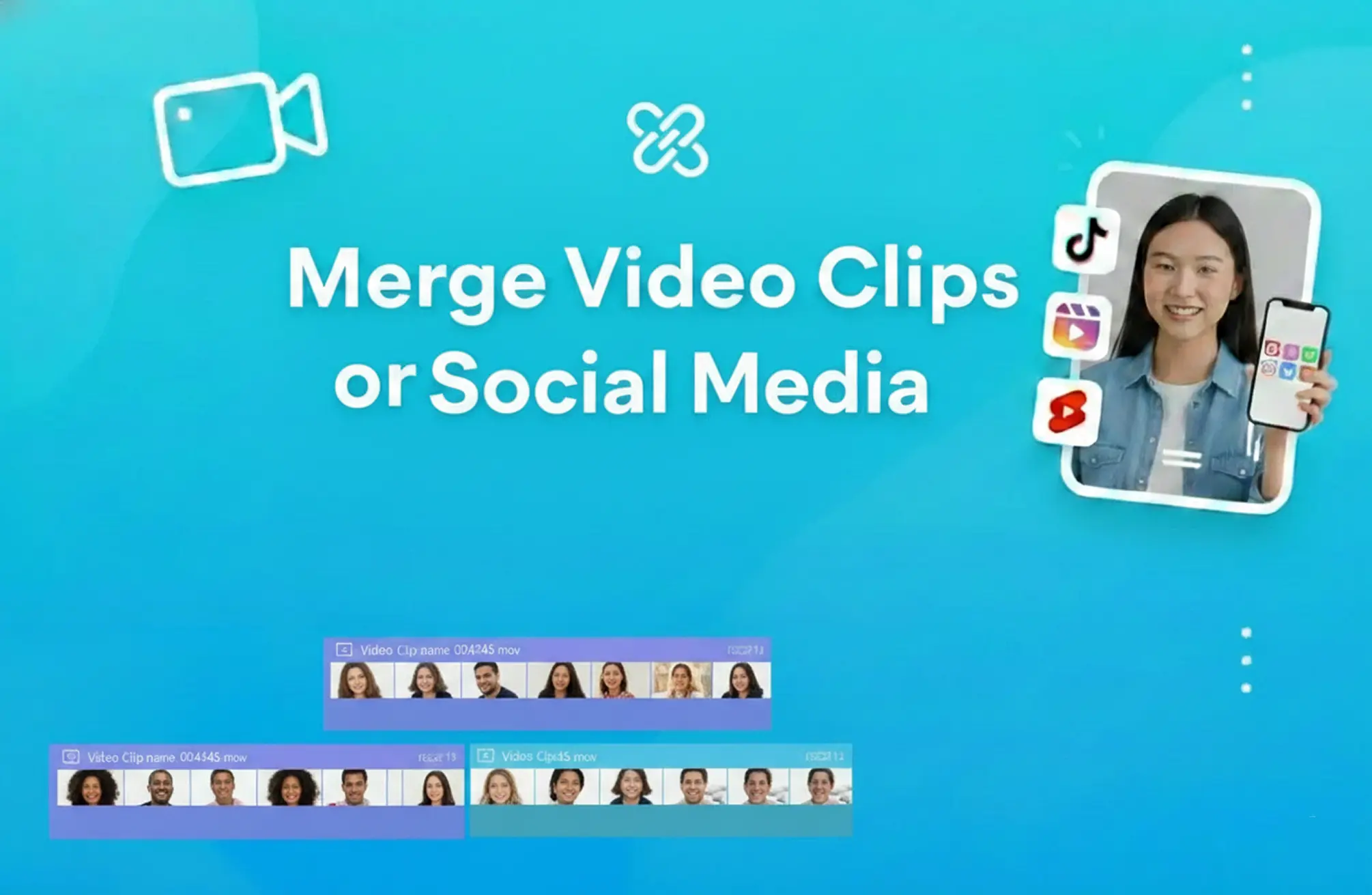
Merge Videos for TikTok, Reels & Shorts
Quickly stitch your best moments together for TikTok, Instagram Reels, or YouTube Shorts. Perfect for creators who need to publish fast without sacrificing quality.

Merge Videos for Professional Presentations
Merge training sessions, webinars, or product demos into one professional file. Simplify your workflow when building online courses or corporate presentations.
Merge Your Videos in 3 Simple Steps
The easiest way to join video files online

Step 1: Upload Your First Clip
Select your first video to get started. We support MP4, AVI, MOV, and other major formats.
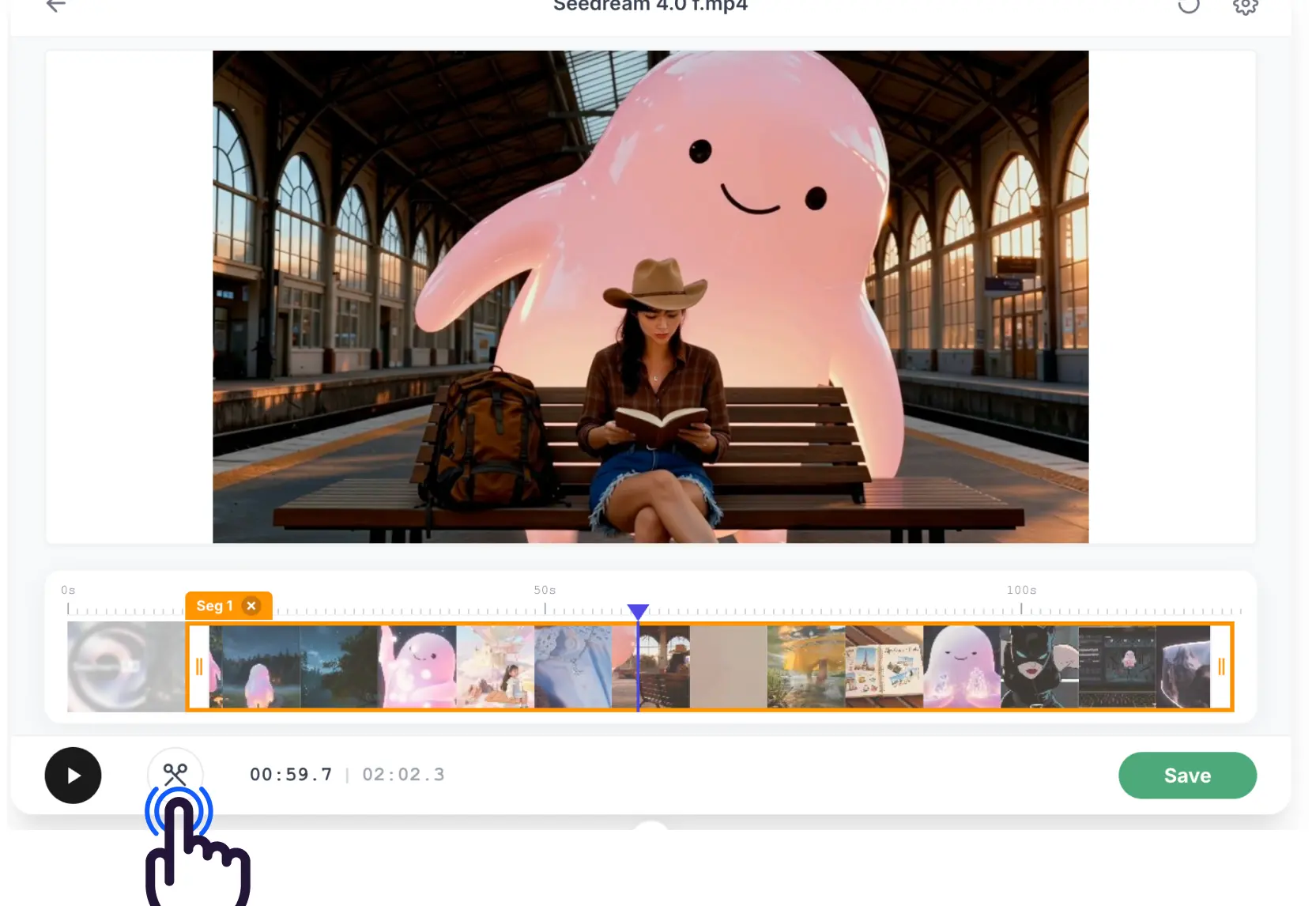
Step 2: Add & Arrange More Videos
Click "Add Video" to import more clips. Drag them on the timeline to set the perfect order and trim as needed.
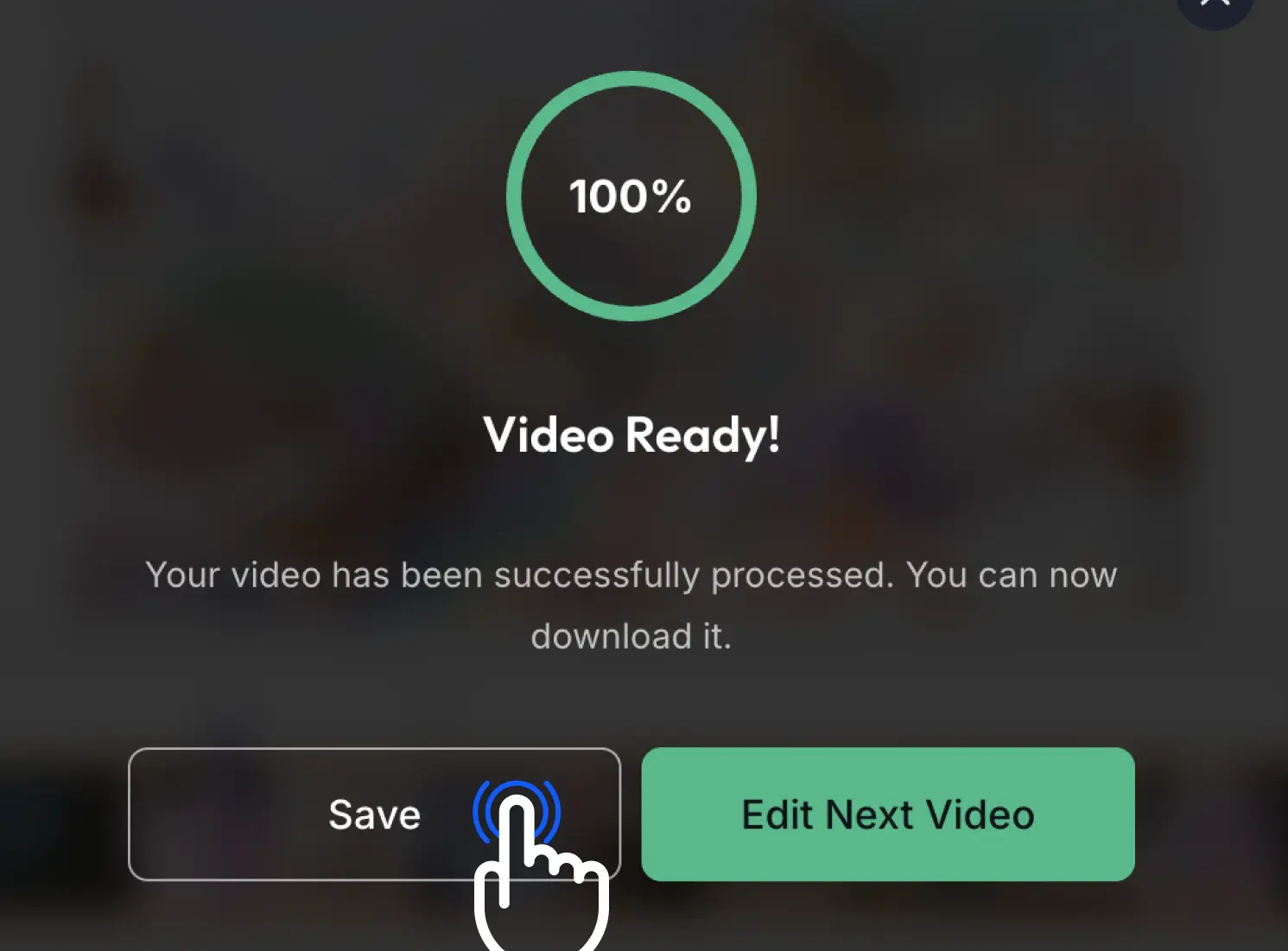
Step 3: Merge & Download
Click 'Save' and we'll join your videos into one high-quality file for you to download instantly.
User Reviews: Why They Merge Videos with EZTrimmer
A trusted tool for joining and merging videos online
Merging my vlog clips has never been easier. I can just drag them into EZTrimmer and have a seamless video in seconds.

This is the best tool I've found for combining social media ads. It's fast, free, and keeps the quality high.

I use it to join lesson segments. The interface is so clean that I don't need to waste time learning complex software.

Perfect for stitching together multiple Reels. It saves me so much time in my daily workflow.

A simple and effective way to combine product demos. Highly recommended for anyone needing quick video work.

How to Merge Videos with EZTrimmer
A simple way to combine your video files right in the browser
⚡ Quick Merging
Combine multiple clips in seconds with our optimized tool
🎯 Same Quality
Keep the original resolution when you join your videos
🔒 Secure & Private
Your videos are processed securely and deleted automatically when finished
📁 Support for Most Formats
Merge MP4, AVI, MOV, MKV, and WebM files effortlessly
💎 100% Free
No hidden fees or watermarks. Completely free merging for everyone
✨ Drag & Drop
Arrange your clips exactly how you want them with a simple timeline
Ready to merge your videos?
Join thousands of creators who use EZTrimmer to combine their clips every day
Our Recent Blogs
Master the art of video editing with our expert guides and simplified tools.
Common Questions About Merging Videos
Everything you need to know about combining your video files
How many videos can I merge at once?
You can merge multiple clips. For the best experience, we recommend up to 10 at a time, but there's no hard limit as long as the total size is under 500MB.
Will merging reduce the video quality?
No, our tool is designed to keep the original quality of your source files whenever possible.
Can I combine different formats (like MP4 and AVI)?
Yes! EZTrimmer can merge different formats seamlessly into a single output file.
Do I need to pay or sign up?
Not at all. The tool is free, no account is needed, and there are no watermarks on your finished video.
How long does it take to merge videos?
It depends on the total length and resolution, but our engine is built for speed. Most merges take just a few seconds.