Cut MKV Video Online — Simple & Fast
The easiest way to cut MKV video files without quality loss. Just upload, select your range, and cut MKV video instantly.
or click to browse
MP4, AVI, MOV, MKV, WebM
Trusted to Cut MKV Video Rapidly
Helping creators and professionals across the globe to cut MKV video with precision.
How to Cut MKV Video Online
Watch this quick demonstration on how to cut MKV video in 3 steps:
Advanced Features to Cut MKV Video
Everything you need to cut MKV video and trim clips for any project.
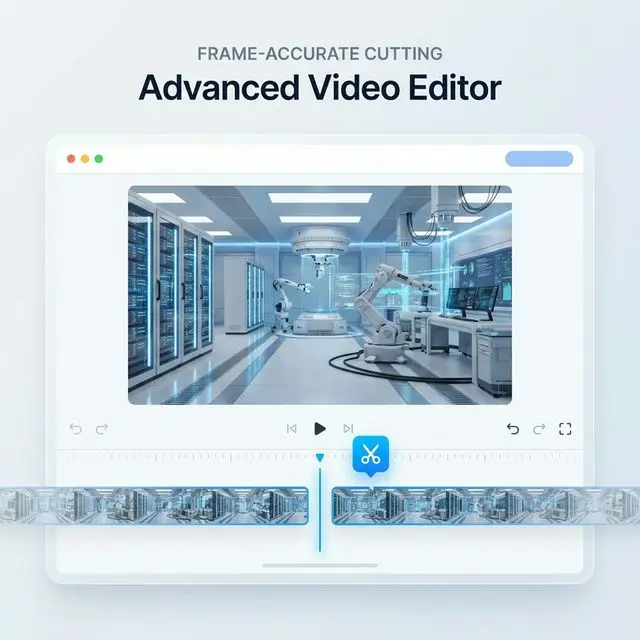
Frame-Accurate MKV Cutting
Our intuitive timeline allows you to cut MKV video with frame-level precision. Perfect for removing unwanted scenes or extracting highlights.
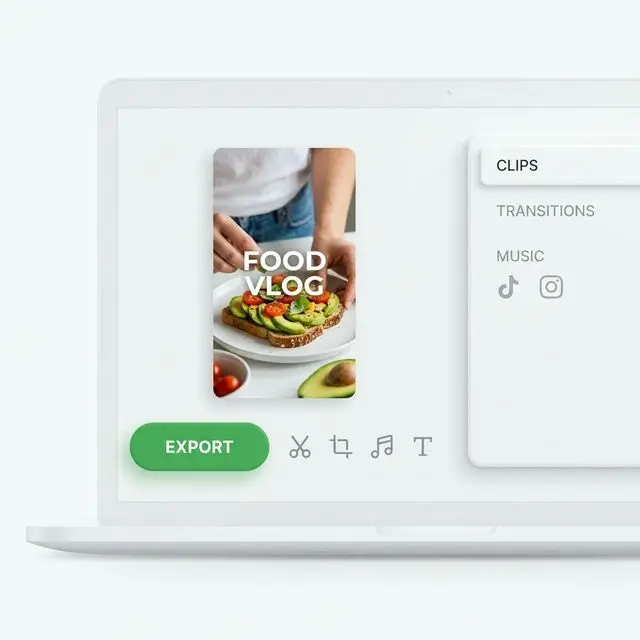
Cut MKV Video for Social Media
Quickly cut MKV video files into smaller clips perfect for TikTok, YouTube, or Instagram while maintaining native MKV quality.
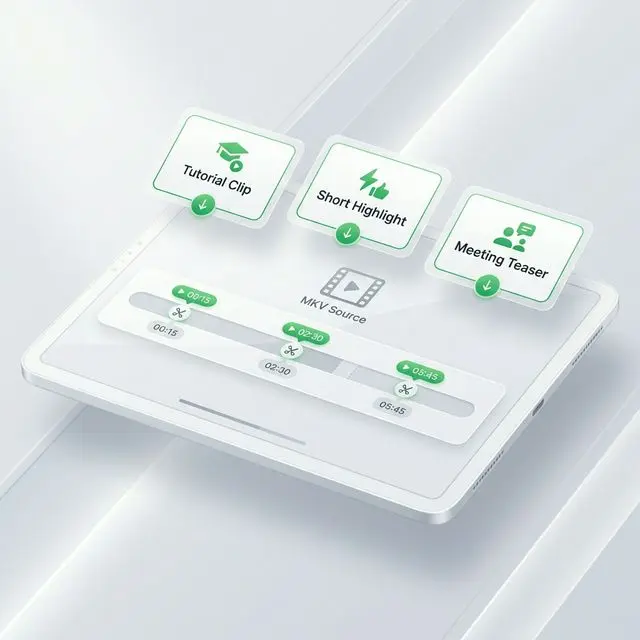
Repurpose MKV Recordings
Easily cut MKV video from long webinar or meeting recordings to create bite-sized tutorials and highlight reels for your team or audience.
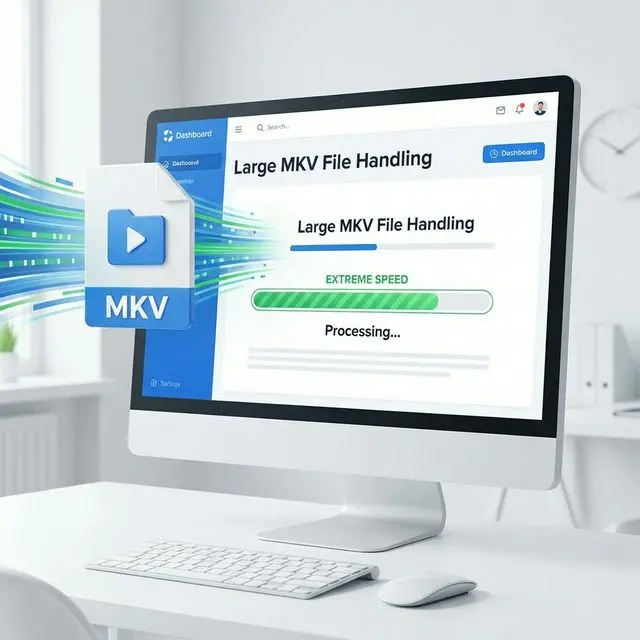
Handle Large MKV Files
Built to efficiently cut MKV video even with large file sizes. Our browser-based processing ensures you don't wait for massive uploads.
3 Steps to Cut MKV Video
Follow this simple guide to cut MKV video files on any device.
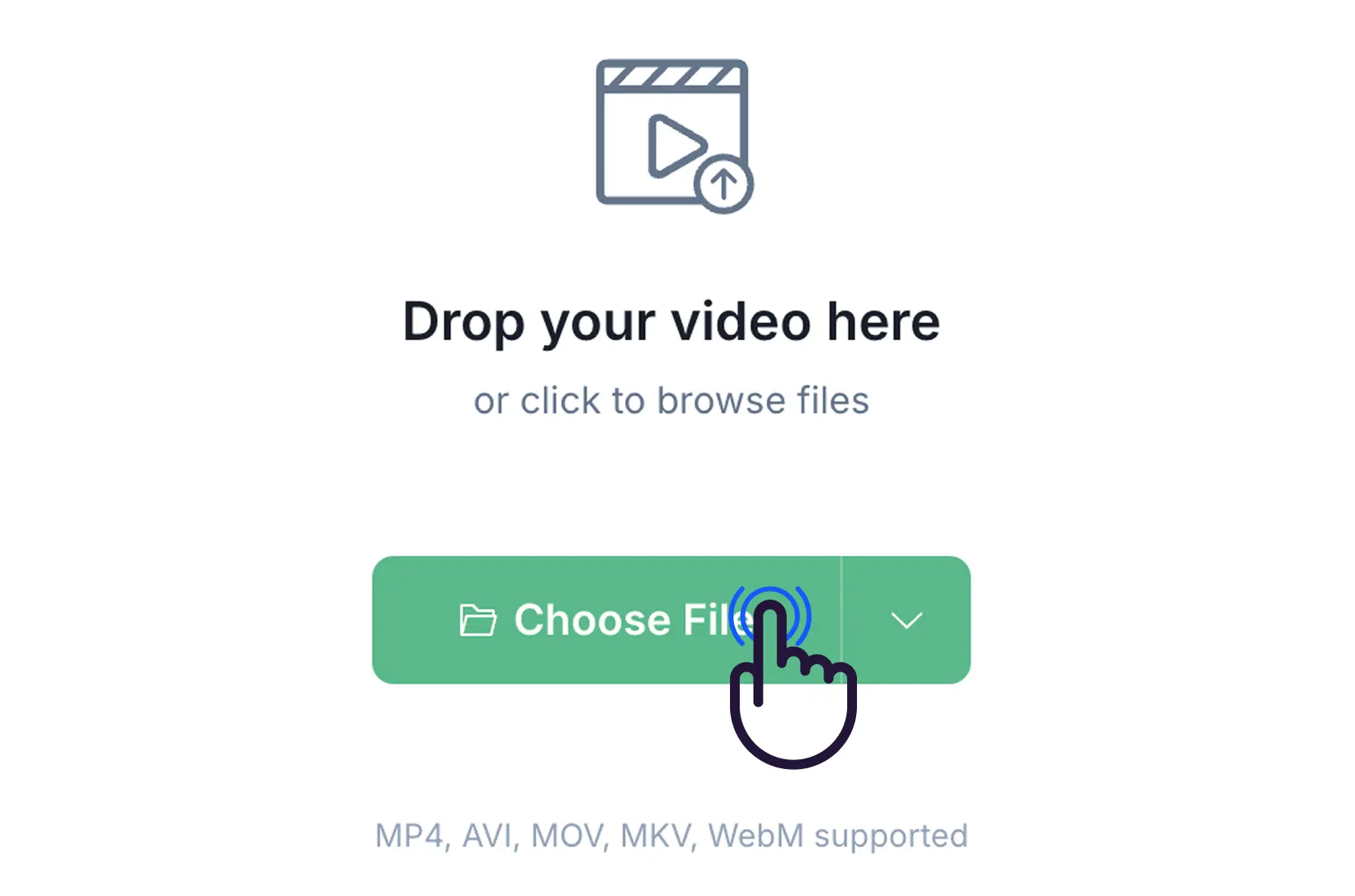
Step 1: Upload MKV
Select the MKV file you want to cut. We support large MKV files up to 500MB.
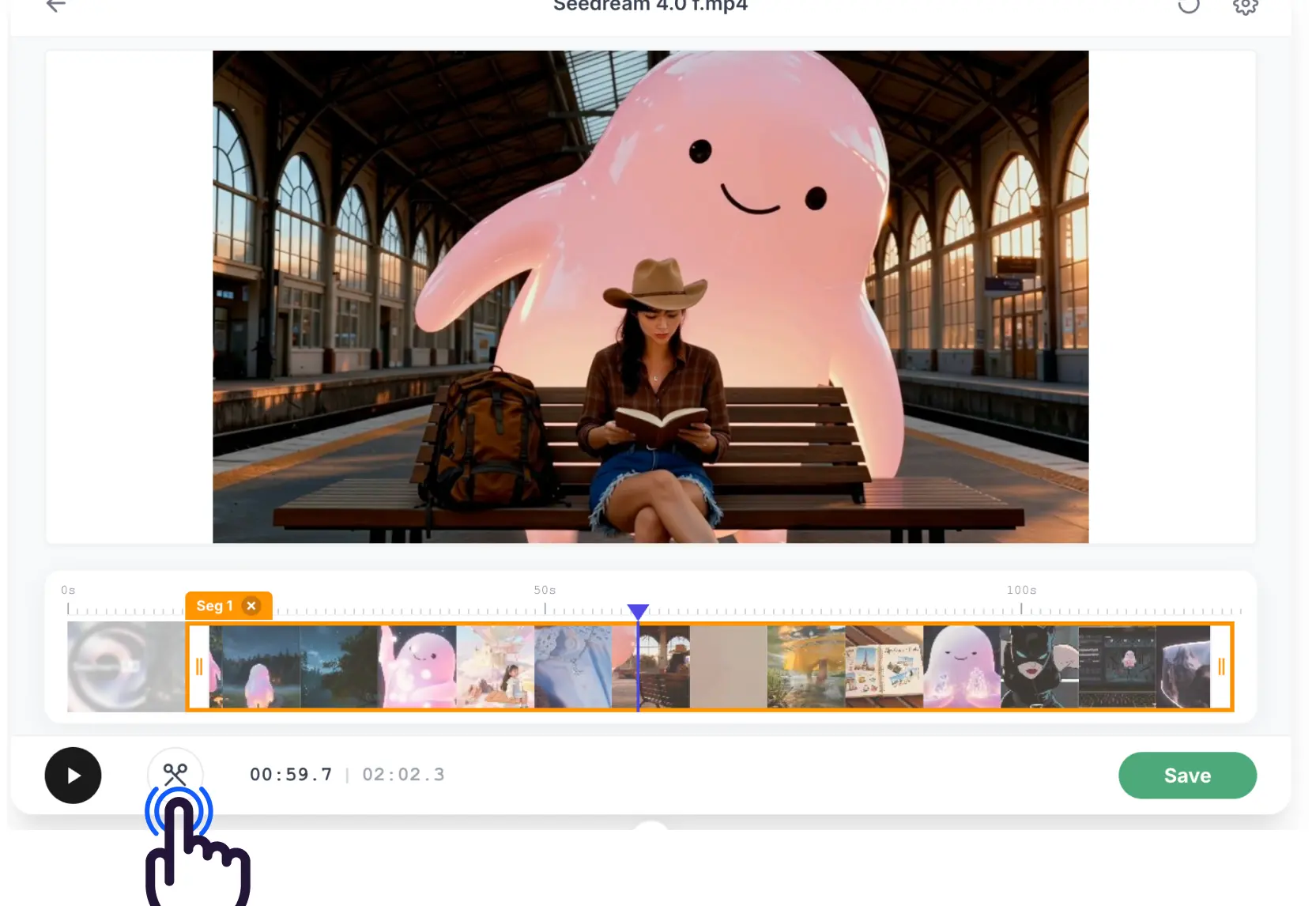
Step 2: Select Range
Use the handles to choose the exact part you want to keep. This is how you cut MKV video precisely.
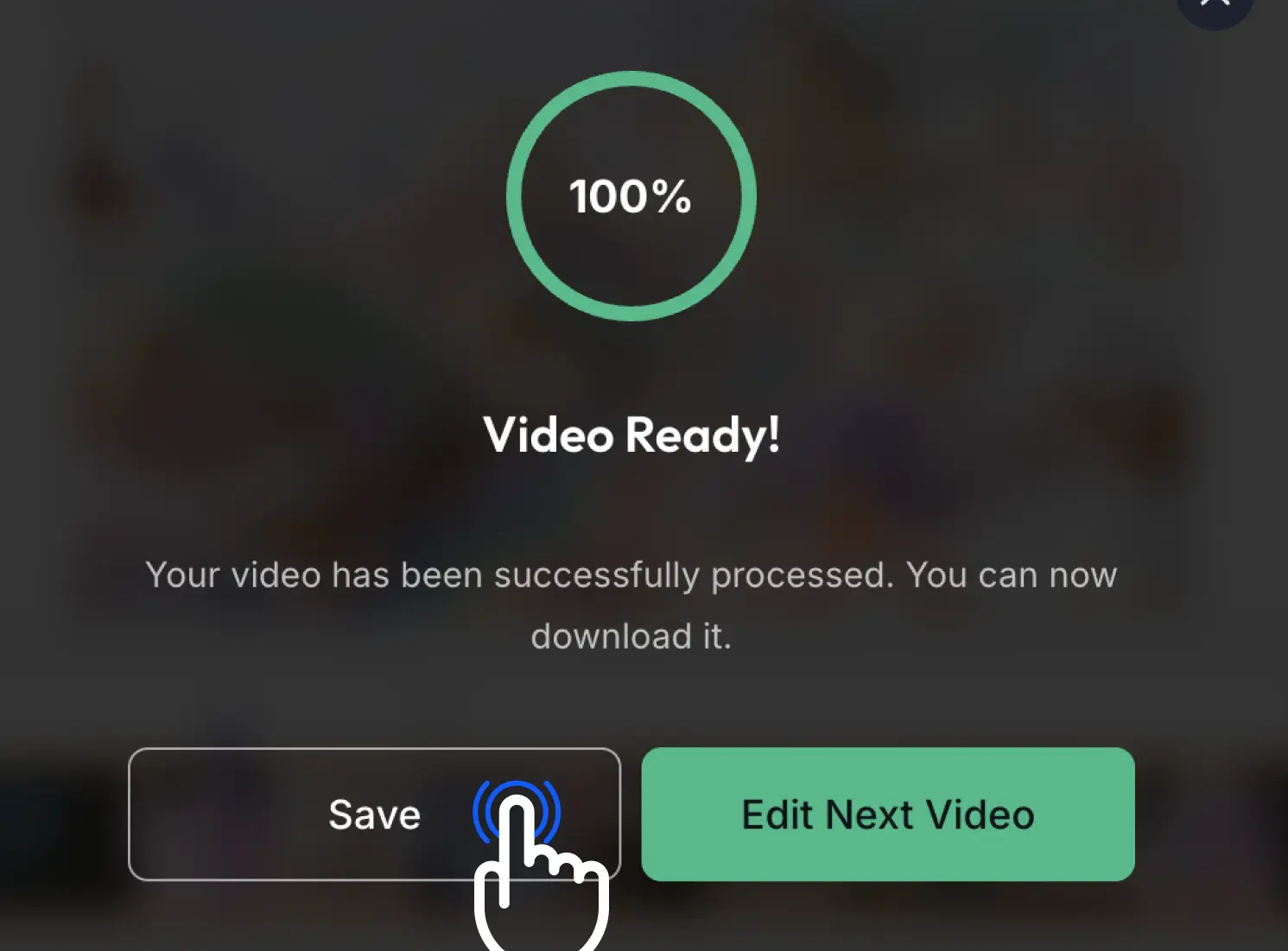
Step 3: Cut & Download
Click cut and download your new MKV clip. It's the fastest way to cut MKV video online.
What Users Say About MKV Cutting
Stories from people who use EZTrimmer to cut MKV video daily.
I needed to cut MKV video for a client project and EZTrimmer made it effortless. The speed is unmatched.

Finally a tool that can cut MKV video without making me sign up or view ads. High quality and very fast.

Cutting long lecture MKV files used to take hours. Now I just use EZTrimmer to cut MKV video online in minutes.

The best way to cut MKV video highlights from my stream recordings. No lag, no resolution loss.

I love how simple it is to cut MKV video here. No complex software needed, just clean results.

Efficient Way to Cut MKV Video
Professional tools to cut MKV video right in your browser
⚡ High-Speed MKV Cutting
Our engine is optimized to cut MKV video files in seconds, no matter the size.
🎯 Lossless Quality
Keep the original crystal-clear resolution when you cut MKV video segments.
🔒 Secure MKV Processing
Your files are safe. We cut MKV video securely and delete data after 7 days.
Ready to Cut MKV Video?
Join thousands who use EZTrimmer as their primary way to cut MKV video online.
Our Recent Blogs
Master the art of video editing with our expert guides and simplified tools.

Frequently Asked Questions
Common queries about how to cut MKV video online.
Can I cut MKV video for free?
Yes, EZTrimmer allows you to cut MKV video completely free with no watermarks or hidden costs.
Is there a limit when I cut MKV video?
You can cut MKV video files up to 500MB. For larger files, we suggest cutting them in segments.
Does it work on Mac and Windows?
Yes! Our web-based tool allows you to cut MKV video on Chrome, Safari, and Firefox on any operating system.
Can I cut MKV without re-encoding?
Absolutely. We use advanced technology to cut MKV video without quality loss, maintaining the original compression.
How long are my files stored?
Your privacy is our priority. We delete your uploaded MKV files automatically after 7 days.
Is any signup required?
No signup or credit card is required to cut MKV video. Just upload and start processing immediately.