Flip Video Online - Mirror Your Videos Instantly
The easiest way to perform a flip video horizontally or vertically. Change orientation in just one click with our professional flip video tool.
or click to browse
MP4, AVI, MOV, MKV, WebM
How to Flip Video Online
Watch this simple guide to see how easy it is to flip video and mirror your content:
Professional Flip Video Options
Tailor your video's perspective with our advanced horizontal and vertical flipping tools, designed for both practical corrections and creative edits.
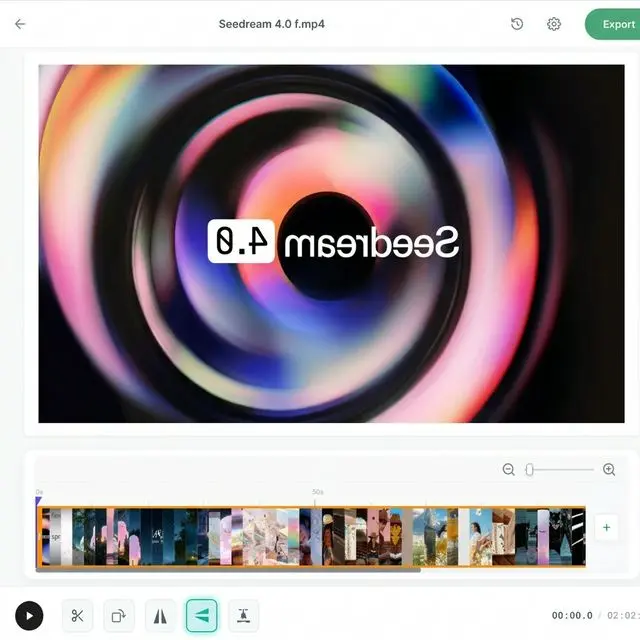
Horizontal Flip Video (Mirror Mode)
Flip your video horizontally to create a mirror effect. Perfect for correcting selfie videos where text or orientation is reversed, or for creating artistic mirror-image compositions. Our tool ensures a seamless transition without any quality loss, maintaining original clarity.
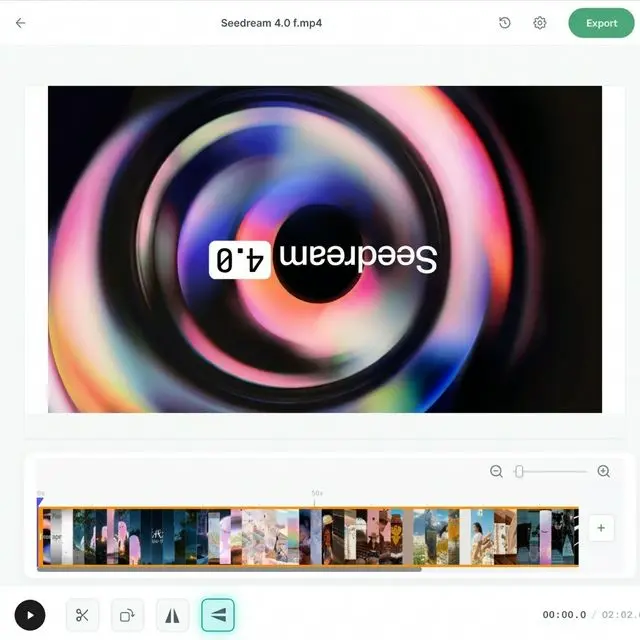
Vertical Flip Video (Upside Down)
Flip your video vertically to fix upside-down recordings or create unique visual perspectives. Whether your camera was mounted incorrectly or you're looking for a creative 'inverted world' effect, our tool preserves every detail of your original footage.
How to Use Our Flip Video Tool
Follow these simple steps to flip and mirror your videos in seconds
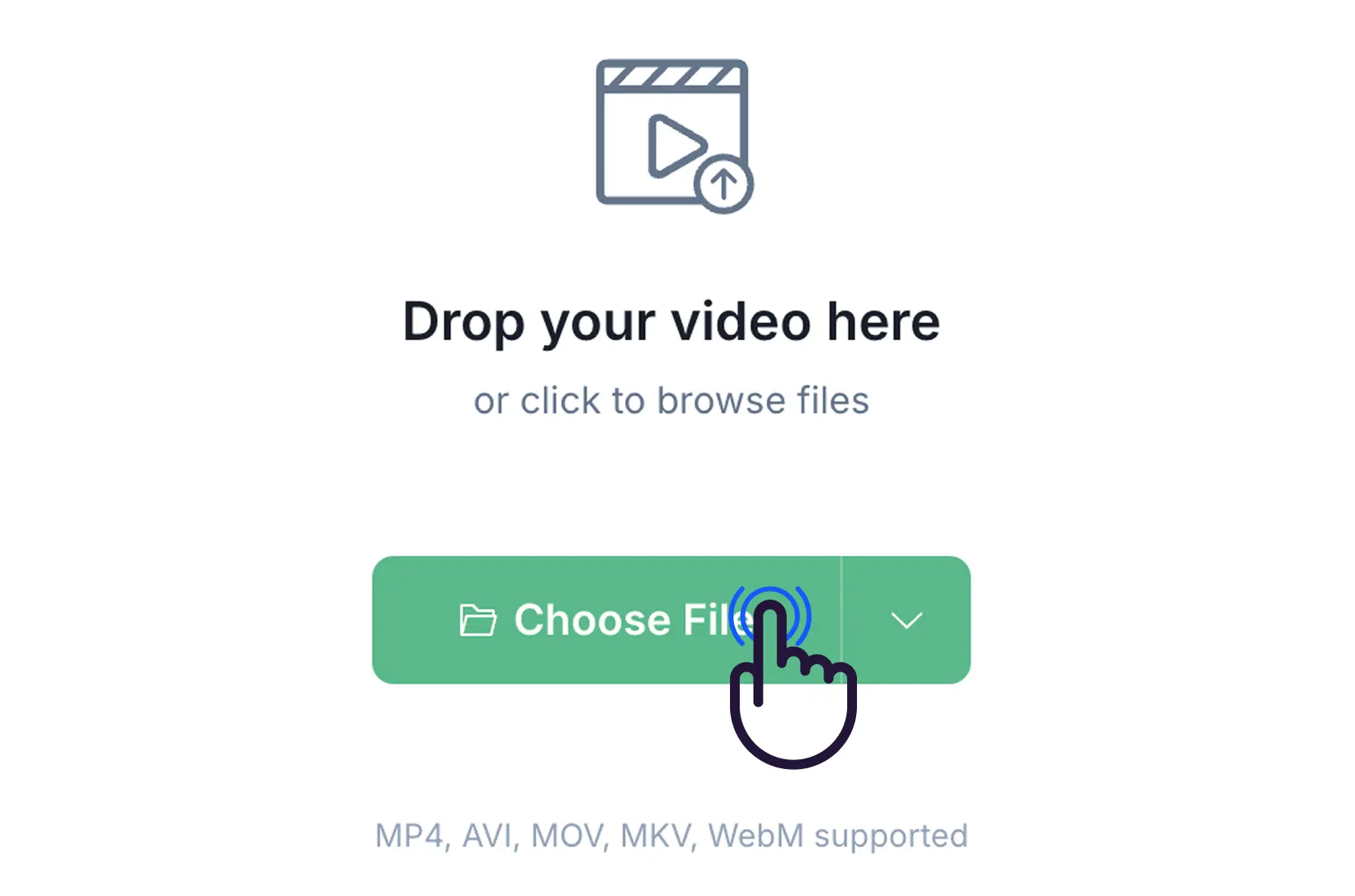
Step 1: Upload Video
Upload the video you want to flip. The process is fast and simple, supporting MP4, AVI, MOV, MKV, and WebM formats.
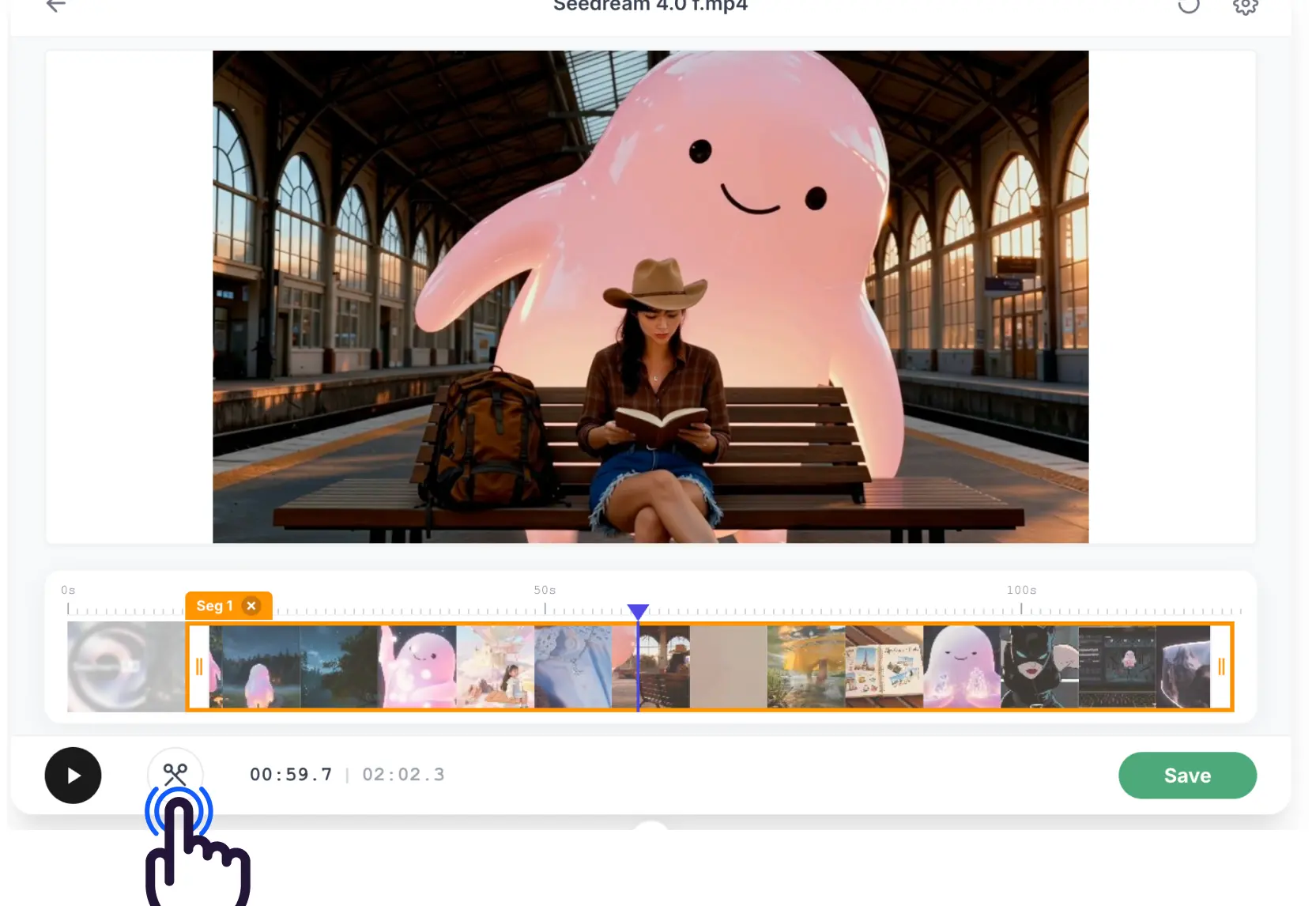
Step 2: Flip & Preview
Choose between horizontal or vertical flip. You can preview the mirror or upside-down effect instantly in your browser.
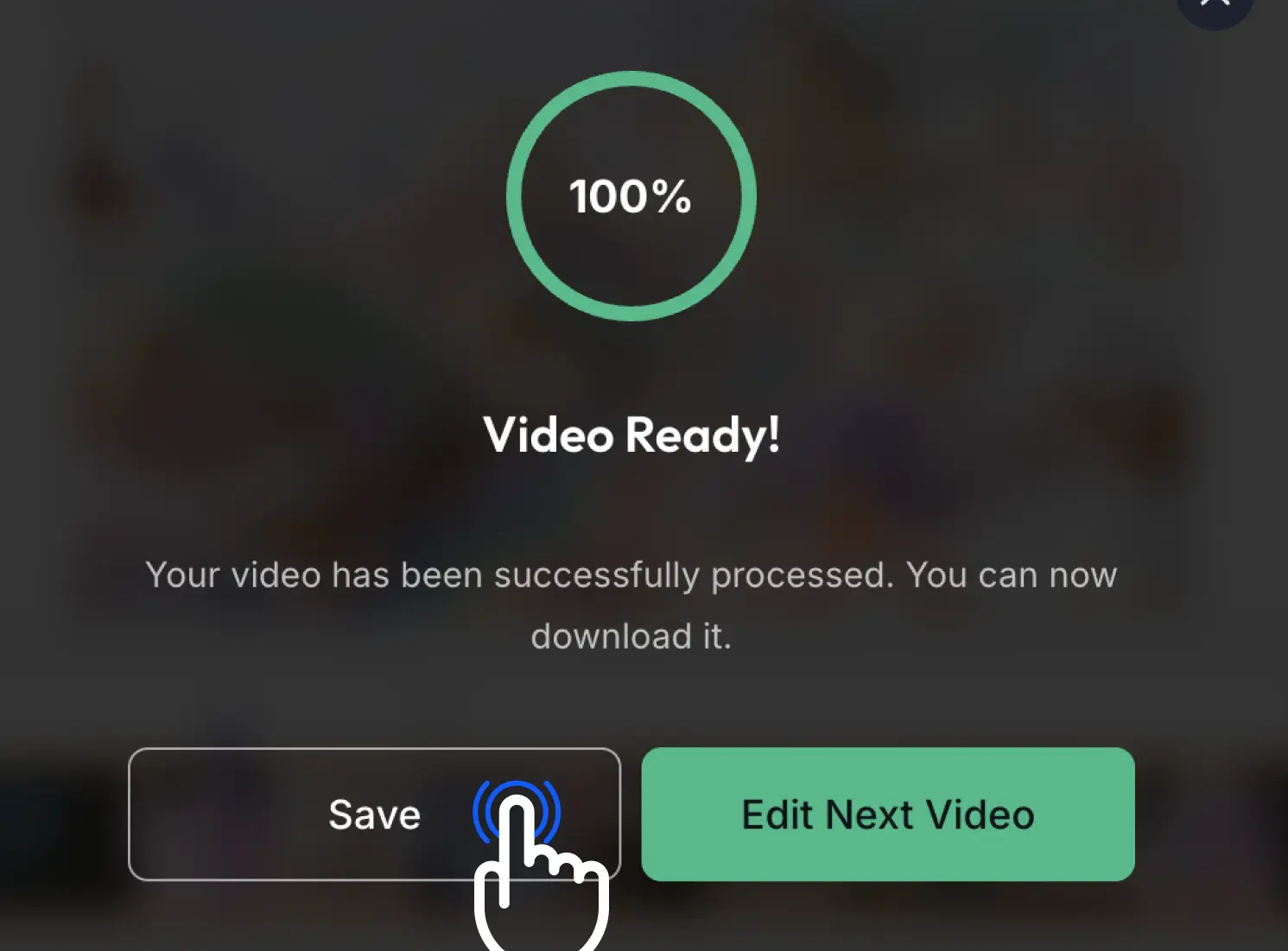
Step 3: Download Result
After applying the flip, download your video. The original quality is preserved, and no watermark is added.
What Users Say About Our Flip Video Service
Join thousands of creators who use our flip video tool for quick edits
Fixed my flipped selfie video in literally 2 seconds. This flip video tool is my new go-to!

The easiest flip video tool I've used. No watermarks and the quality stayed exactly the same.

I needed to flip video a recording that was upside down. This flip video service worked perfectly.

Fast, free, and works in browser. Best tool to flip video for TikTok!

Simple interface, does exactly what it says. The horizontal flip video is perfect for my tutorials.

Best Flip Video Tool Features
Professional video orientation tools to flip video right in your browser
⚡ Instant Flip Video
Perform a flip video in milliseconds with our lightning-fast flip video processing engine.
🎯 Original Quality
Flip video without losing any detail. We preserve the original resolution after every flip video.
🔒 Private Flip Video
Flip video safely. Your videos stay in your browser; we never store files after you flip video.
📁 All Formats
Flip video MP4, AVI, MOV, MKV, and WebM easily with full flip video compatibility.
💎 Free Flip Video
No watermarks, no limits. Professional flip video tools at no cost.
✨ Easy Flip Video
Simple drag and drop interface to flip video in just 3 clicks.
Ready for a Flip Video Now?
Try our professional flip video tool today and see the results.
Our Recent Blogs
Master the art of video editing with our expert guides and simplified tools.
FAQ About Flip Video
Find answers to common questions about our flip video and mirroring tool
Is flip video free?
Yes, our flip video tool is 100% free with no watermarks.
What formats can I flip video in?
You can flip video in MP4, AVI, MOV, MKV, and WebM formats.
Is it safe to flip video here?
Absolutely. You perform flip video locally in your browser. Files are safe when you flip video.
Can I flip video vertically?
Yes, you can flip video horizontally (mirror) and vertically (upside down).
Do I need an account to flip video?
No account needed. You can flip video online immediately.