Split Video Online for Free
Easily split your videos into multiple parts in seconds. Split Video Online provides a fast, browser-based solution to cut and trim your videos without losing quality.
or click to browse
MP4, AVI, MOV, MKV, WebM
Trusted by Content Creators Worldwide
Join thousands of users who rely on our video splitter for quick video editing and professional-grade results.
How to Split Video Online
Follow these three simple steps to split your video into parts instantly.
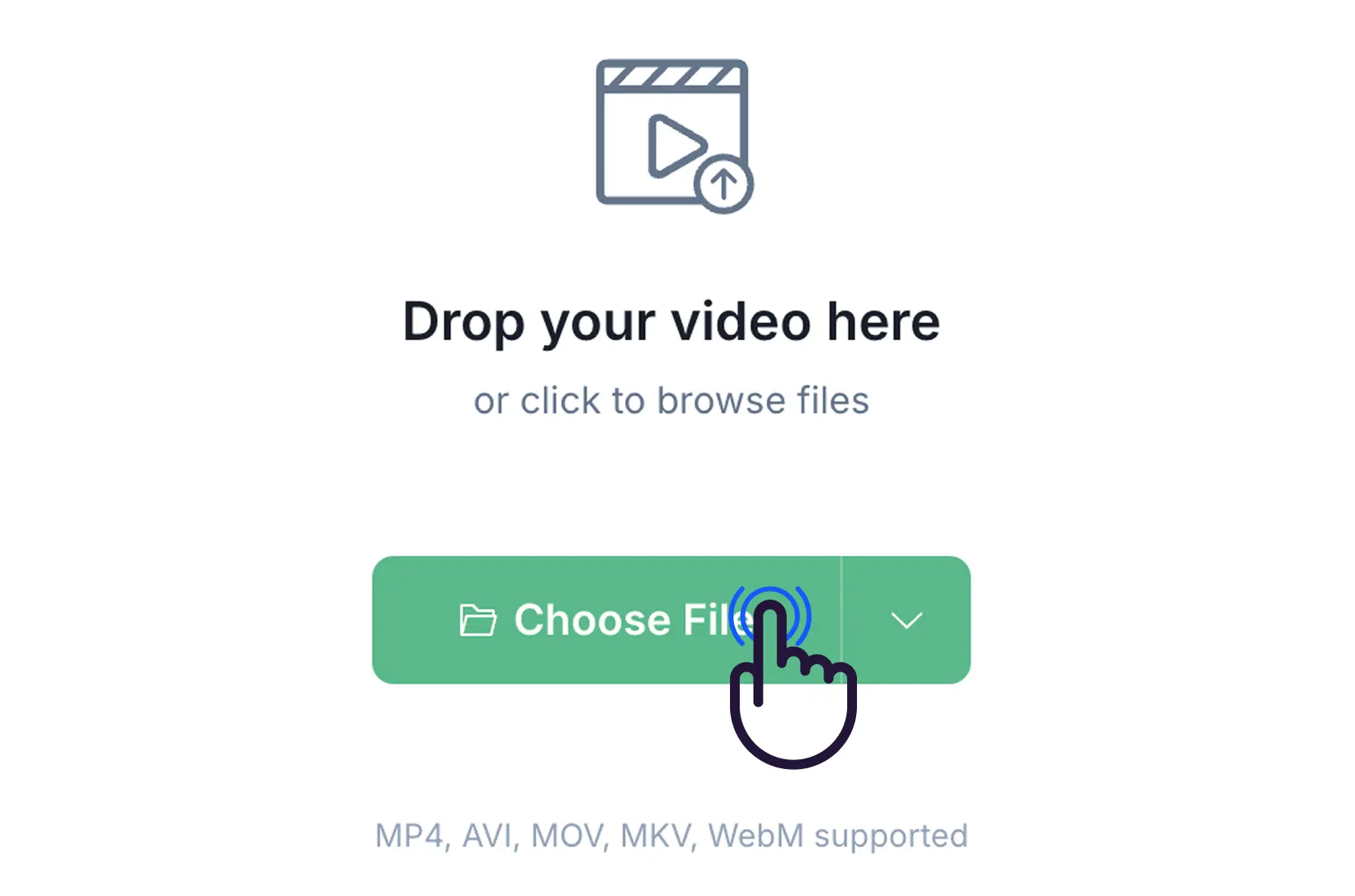
Step 1: Upload Your Video
Click the upload area to select a video from your device, or simply drag and drop your file into the Split Video Online interface.
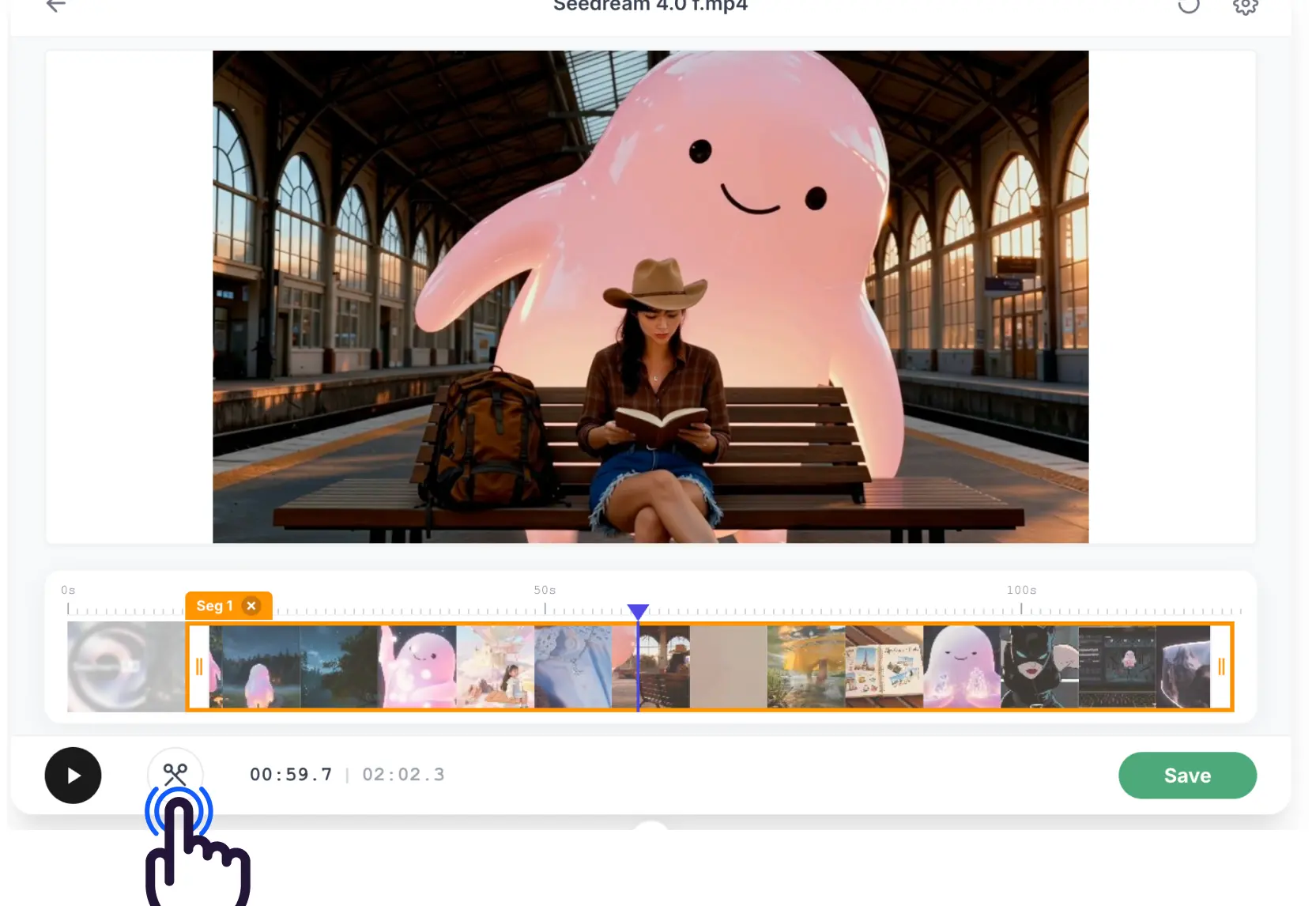
Step 2: Set Split Points
Use the timeline handles or the split button to mark the points where you want to cut your video into segments.
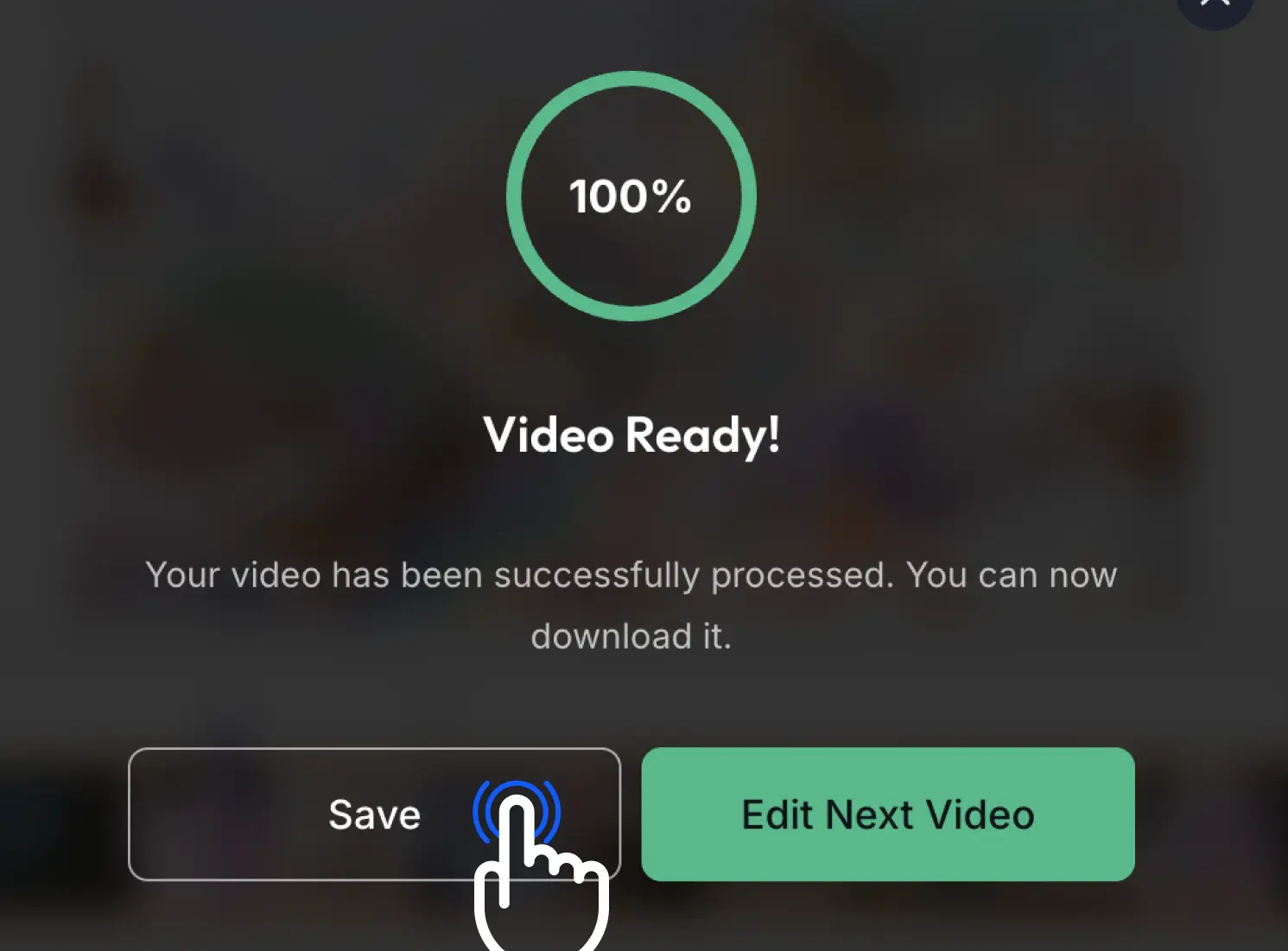
Step 3: Export and Download
Once satisfied, click Export to render your split video parts. You can then download the high-quality files directly to your device.
Watch How to Split Video Online
Watch this quick tutorial to see how easy it is to cut your video into parts with this split video online guide.
Professional Features for Perfect Video Splitting
Everything you need to cut your video into segments in one simple interface.
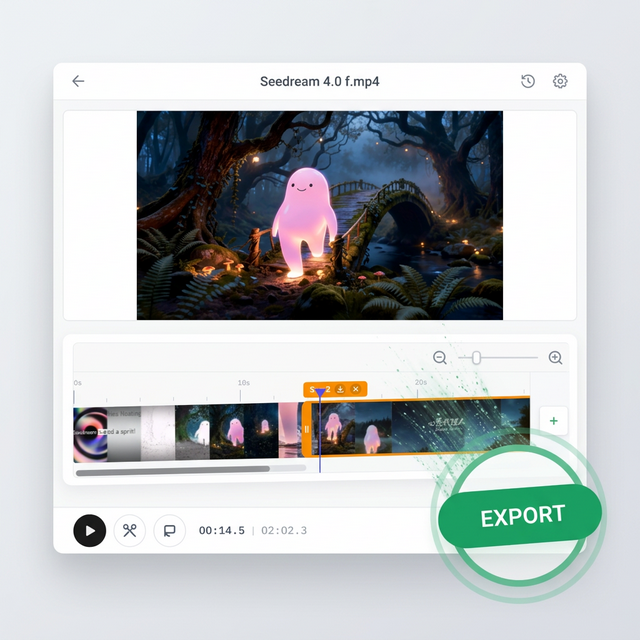
Lightning Fast Processing
Our cloud-based engine ensures your video is split and ready for download in record time. No more waiting for heavy desktop software to load or render.
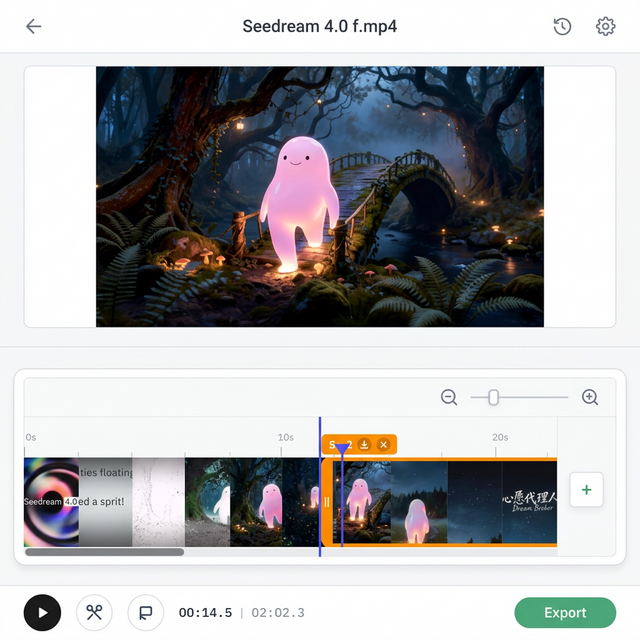
Frame-Accurate Splitting
Use our precise timeline handles to split your video exactly where you want. The Split Video Online UI makes it easy to visualize changes instantly before exporting.
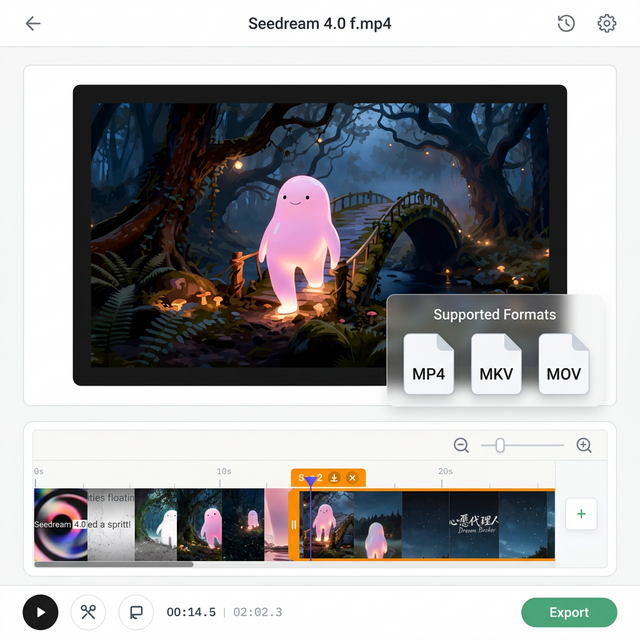
Supports All Major Formats
Whether it's MP4, MKV, MOV, or WEBM, our video splitter handles them all. Cut smartphone videos or landscape clips with a single click.
Frequently Asked Questions
Common questions about our Split Video Online tool.
Is Split Video Online free to use?
Yes, our split video online service is a completely free online tool. You can split and trim your videos without any hidden costs or subscriptions.
Which video formats does the split video online tool support?
We support all major video formats, including MP4, MKV, MOV, AVI, and WEBM. Our tool ensures compatibility across all your devices.
Will using your Split Video Online utility reduce video quality?
No. Split Video Online uses high-fidelity rendering engines to ensure that your video maintains its original resolution and quality after splitting.
Can I split a video into multiple parts at once?
Absolutely. You can add multiple split points on the timeline to cut your video into as many segments as you need.
Is my video data secure on our secure Split Video Online platform?
Yes. We prioritize your privacy. All video processing happens in a secure environment, and files are automatically deleted after processing is complete.
Why Choose this Professional Split Video Online Service?
The most versatile and user-friendly tool for splitting videos online.
Instant Results
Split and preview your changes in real-time with our reactive interface.
Lossless Export
We preserve the original bitrate and resolution of your source video.
Privacy First
Your files are never stored permanently on our servers.
What Our Users Say
Read how the Split Video Online tool helped thousands of creators split their video content into parts.
EZTrimmer is a lifesaver! I needed to split a long webinar into segments for social media, and this tool did it perfectly.

The simplest video splitter I've ever used. No complicated software, just upload and split. Amazing!

I use EZTrimmer for quick edits before importing into my main editor. The splitting is frame-accurate.

I love how I can split my vlogs into chapters easily. The output quality is fantastic.

Essential tool for cutting long videos into bite-sized clips for TikTok and Instagram.

Our Recent Blogs
Master the art of video editing with our expert guides and simplified tools.
Start Your Split Video Online Task Today
Don't let long videos slow you down. Split them into manageable parts now with our Split Video Online tool.