Professional Video Trimmer Online
The ultimate 3-in-1 tool to trim, cut, and split your videos in seconds. We provide a fast and secure browser-based solution for all your editing needs.
or click to browse
MP4, AVI, MOV, MKV, WebM
Trusted by Creators Across the Globe
Join thousands of professional editors and content creators who rely on our video trimmer for fast and high-quality results.
Video Trimmer Tutorial
Watch this quick guide to learn how to trim, cut, and split your videos like a pro using our online tools.
Three Powerful Tools in One Interface
Everything you need to trim, cut, and split your video content with frame-accurate precision.
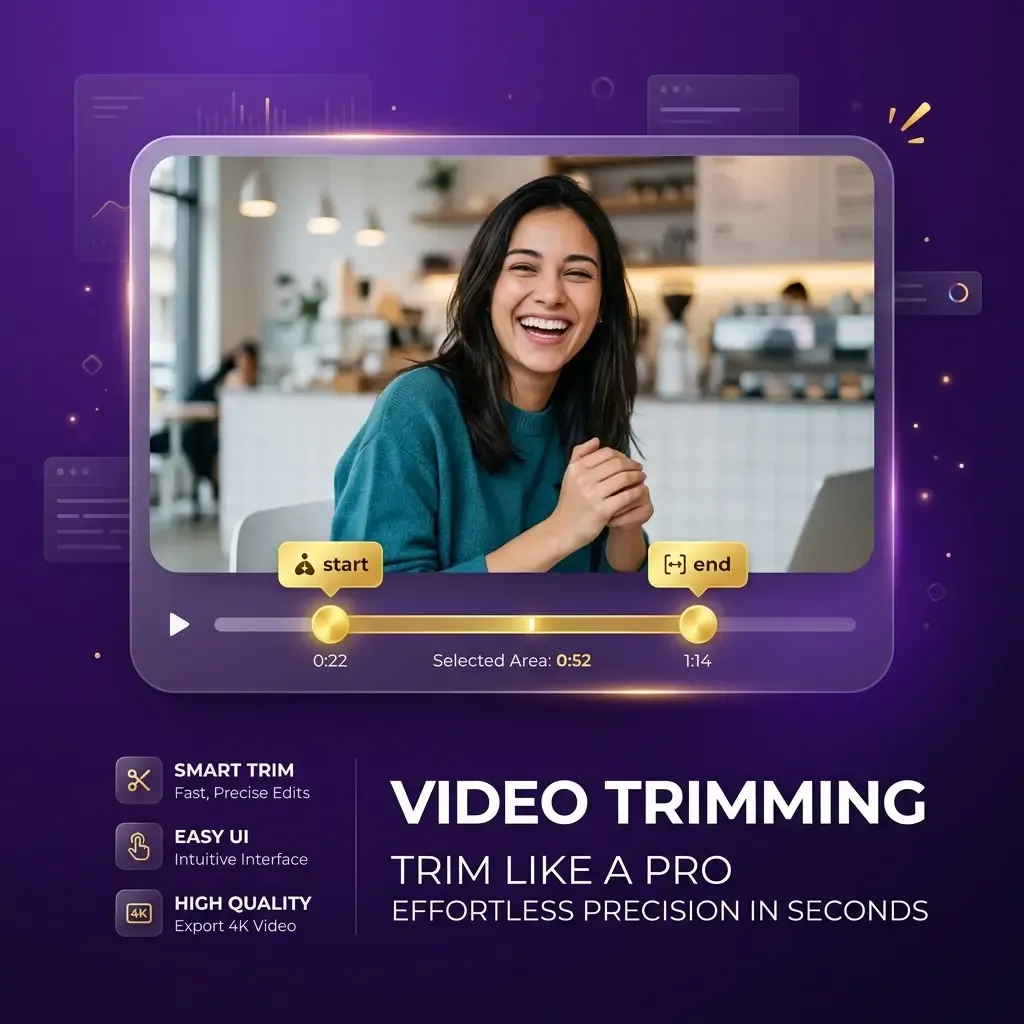
Trim Video Clips Instantly
Quickly remove unwanted parts from the beginning or end of your video files. Our intuitive trimmer makes it easy to shorten your clips for social media sharing.
Trim Video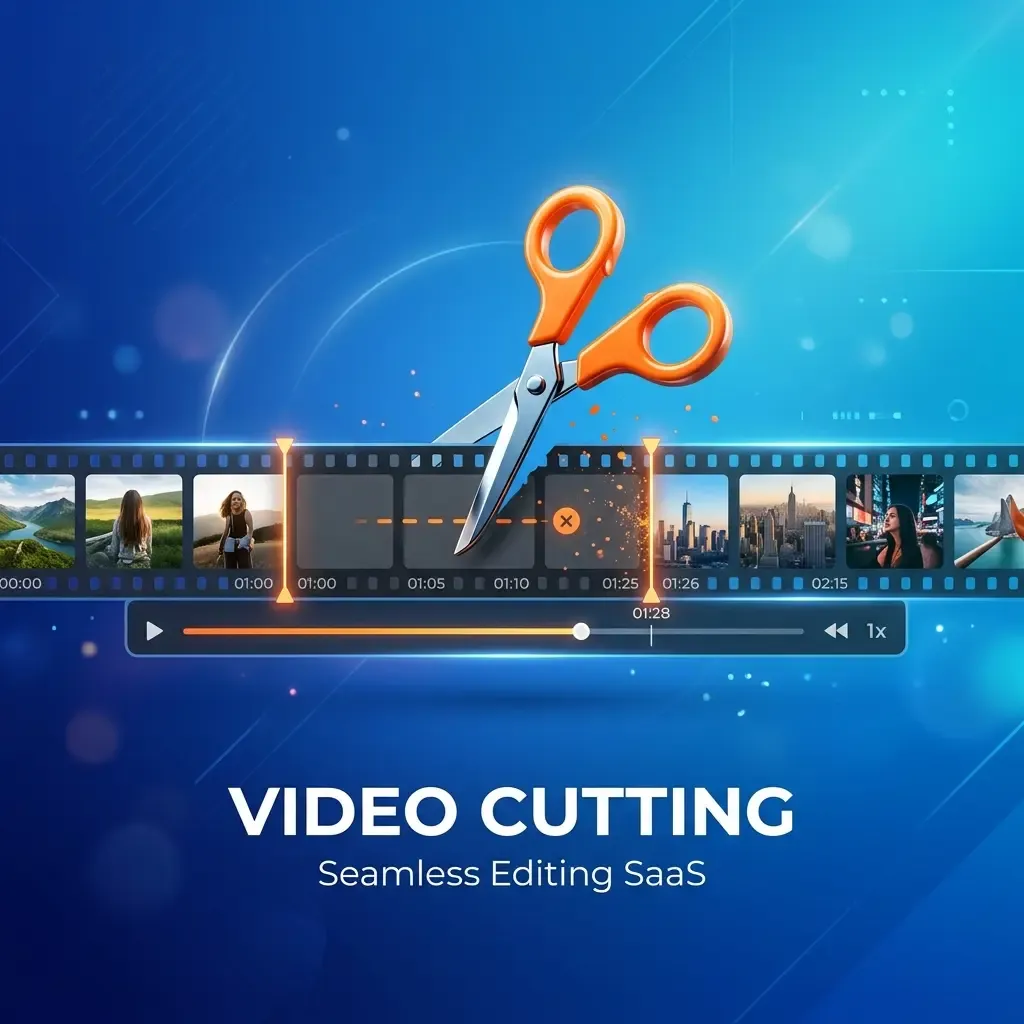
Cut Segments with Precision
Extract specific scenes from the middle of your videos with frame-accurate control. Perfect for removing ads or mistakes from your recorded video content with ease.
Cut Video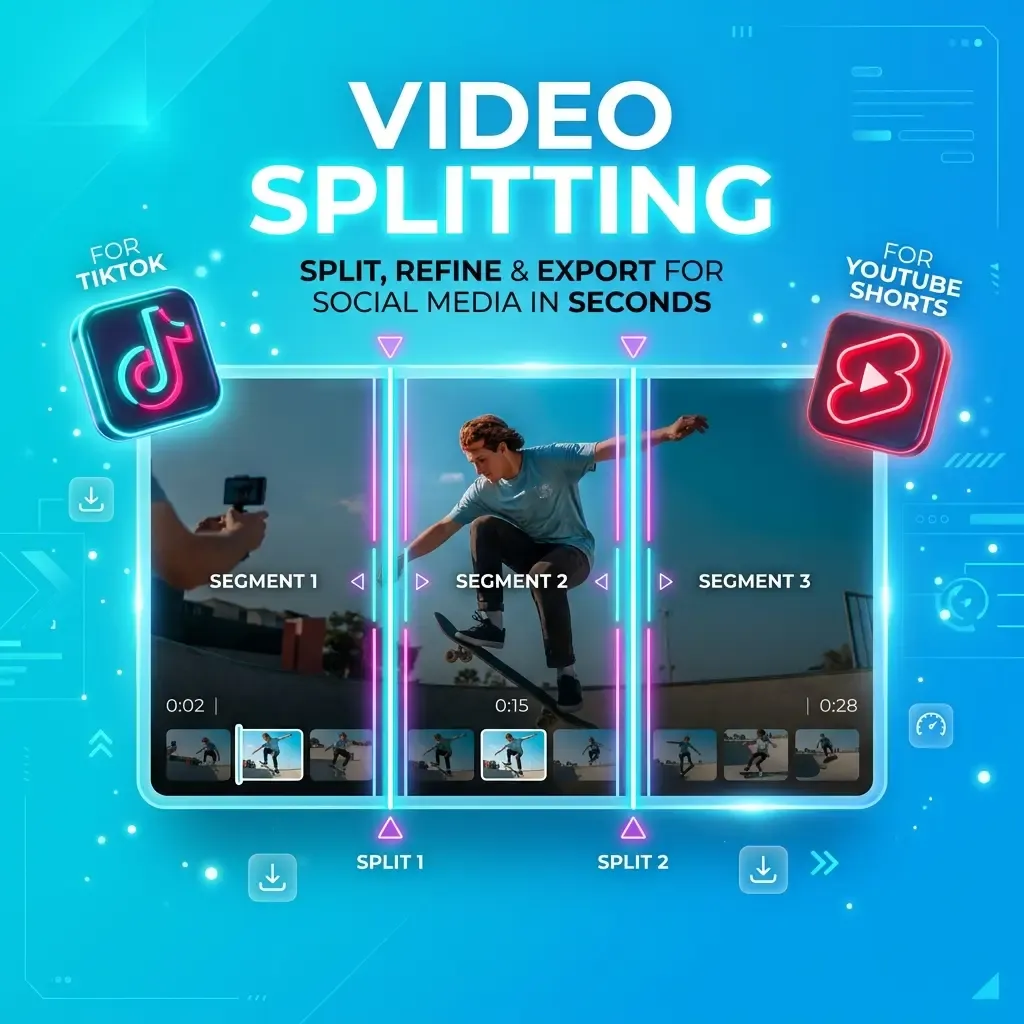
Split Long Videos Easily
Divide large video files into multiple smaller segments for platforms like TikTok or Instagram. No more worrying about file size limits or complex editing software.
Split VideoHow to Use Our Video Trimmer
Trimming, cutting, and splitting your videos is as easy as 1-2-3 with our professional online editor.
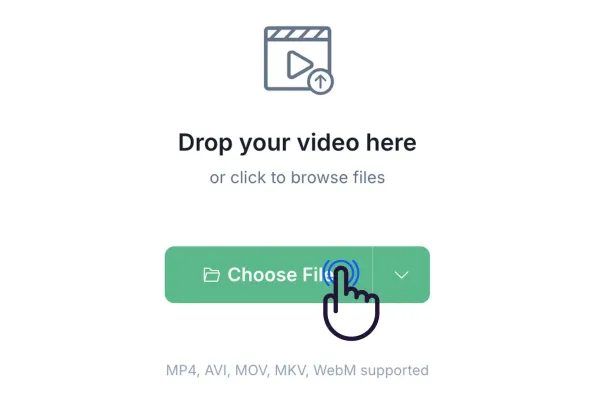
Step 1: Upload Your File
Drag and drop your video file into the upload area or click to select a file from your device. We support all major video formats.
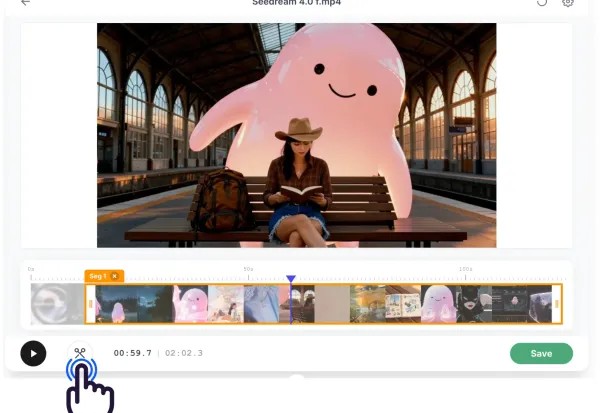
Step 2: Edit Your Video
Use the timeline handles to trim the start/end, add markers to cut segments, or use the split tool to divide your video into parts.
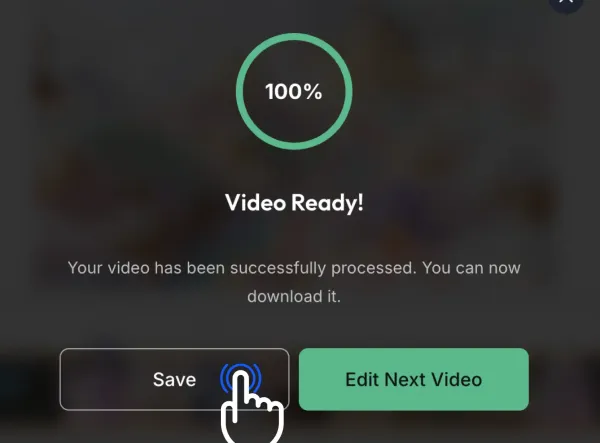
Step 3: Export and Save
Review your edits and click the Export button to render your video. Once finished, you can download the high-quality file directly to your local device.
What Our Community Says
Join thousands of happy users who have transformed their video content with our professional 3-in-1 trimmer.
This trimmer is a absolute gem! I can trim my TikTok videos and split longer clips in seconds. It has saved me so much time.

EZTrimmer is my go-to for quick edits. The 3-in-1 capability makes it the most versatile tool I've used. Highly recommend it to everyone.

The frame-accurate cutting is incredible. I can removed exactly what I don't want without any hassle. The output quality is always top-notch.

Splitting my educational videos into smaller lessons has never been easier. The interface is clean and very easy to navigate even for beginners.

I love that it's browser-based. I can trim videos on the go without needing heavy software. It's fast, secure, and completely free.

Perfect for my workflow. I can quickly trim my long streams into bitesized highlights for my audience without any quality loss.

Why Use This Video Trimmer?
The most powerful and user-friendly browser-based video editing solution available today.
Lightning Fast Editing
Experience real-time editing and rapid rendering with our professional cloud-based engine.
Lossless Quality
We ensure your videos maintain their original resolution and bitrate for the highest quality output.
Privacy Guaranteed
We use advanced security protocols to keep your data safe. Your files are never stored permanently.
Ready to Trim Your Video?
Start editing your video content now with our free 3-in-1 Video Trimmer tool. No installation required, just your browser and your creativity.
Our Recent Blogs
Master the art of video editing with our expert guides and simplified tools.
Video Trimmer FAQ
Got questions about our professional video trimmer? Find the answers here.
What is an online video trimmer?
An online video trimmer is a web-based tool that allows you to remove unwanted parts from a video file without downloading heavy software. It's perfect for quickly adjusting the length of clips for social media or presentations.
What is the difference between trimming and cutting a video?
Trimming typically refers to removing parts from the start or end of a video, while cutting usually involves removing a segment from the middle of a clip.
Is the Video Trimmer tool free to use?
Yes, our video trimmer is a completely free online tool. You can use all its features, including trimming, cutting, and splitting, without any hidden subscription fees.
Can I split a video into multiple parts for social media?
Absolutely. Our tools allow you to add multiple markers and split your video into as many segments as needed for TikTok, Instagram Reels, or YouTube.
Does this tool support MP4 and MOV formats?
Yes, our versatile video trimmer supports all popular video formats, including MP4, MOV, AVI, MKV, and WEBM, ensuring compatibility with all your devices.
Is my video data secure when editing online?
Your security is our priority. All processing happens locally in your browser when possible, and your files are never stored permanently on our servers.